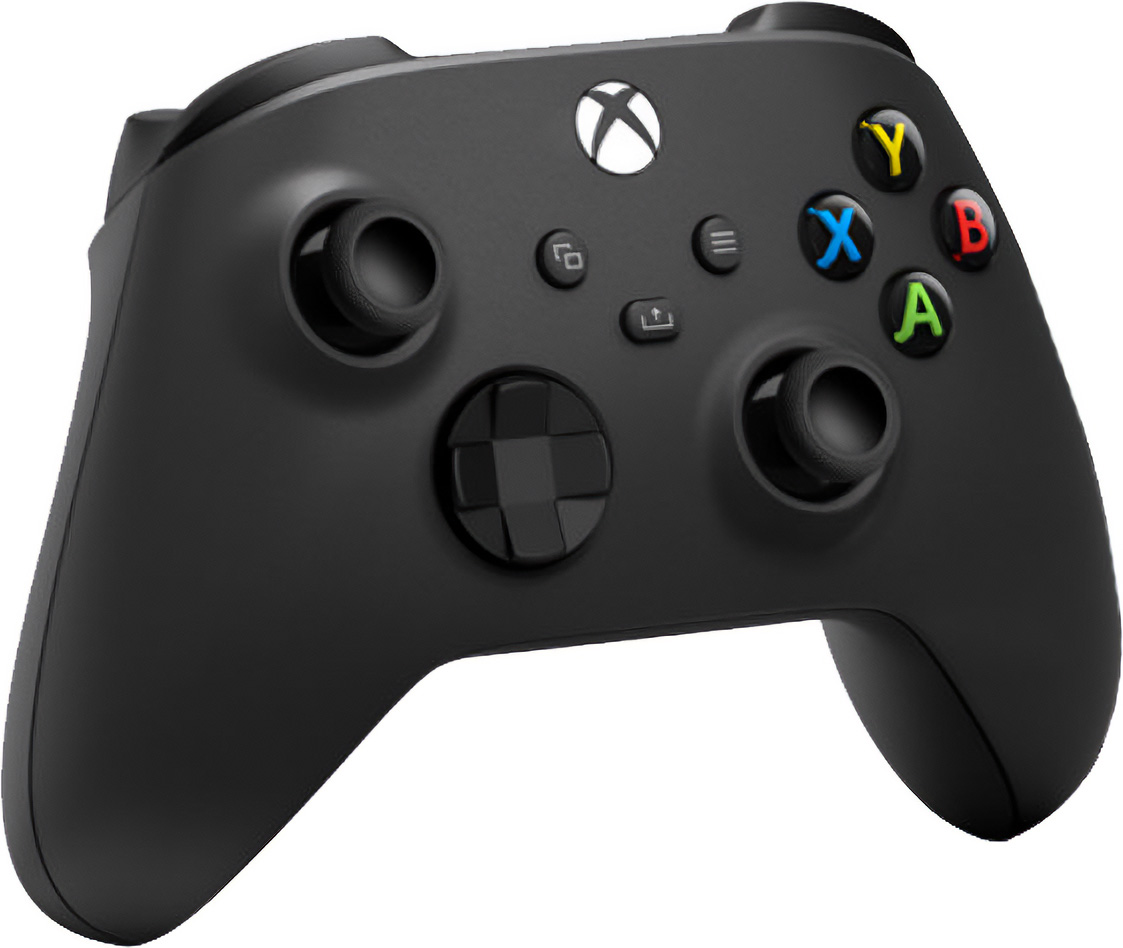
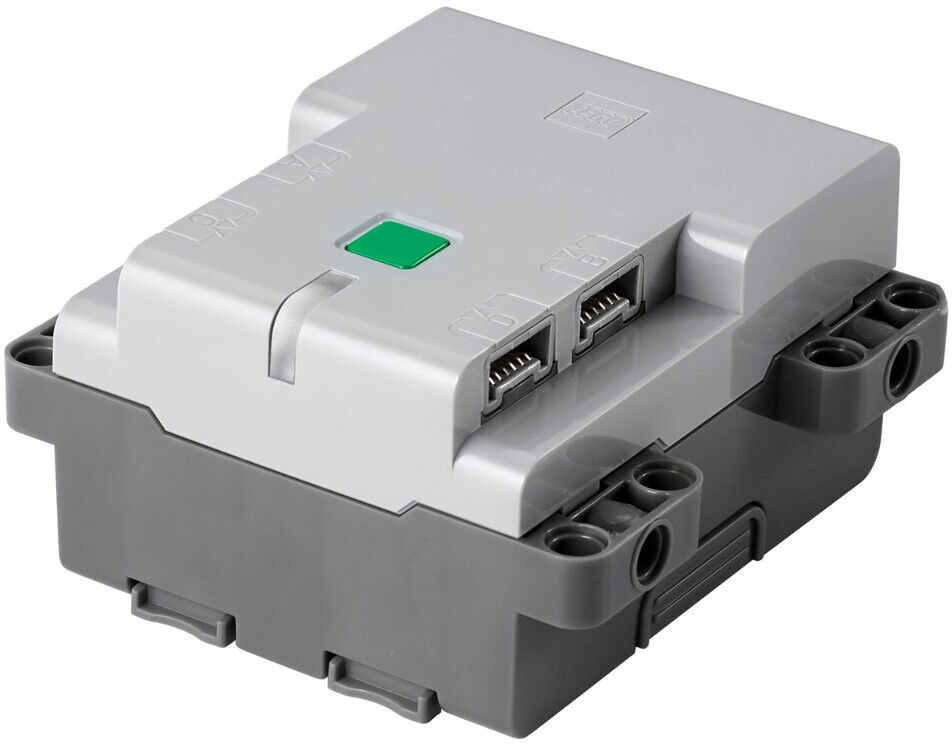
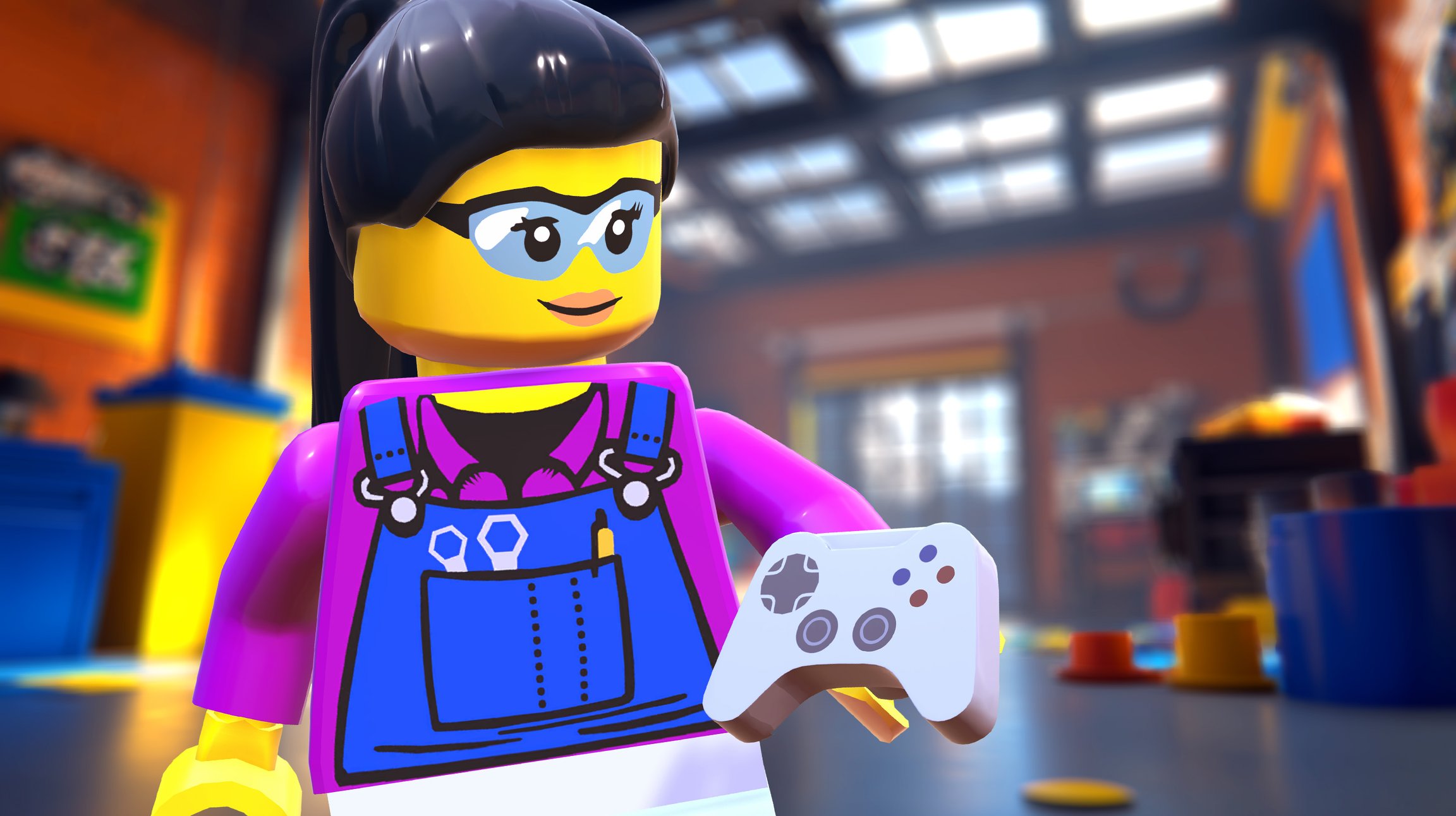
The Xbox Adaptive Controller ($100) is designed for gamers with limited mobility. It connects wirelessly to your hub just like a standard controller.
By default, the directional pad will drive your bot. The large buttons will control your weapon.
Adaptive Controllers often ship with outdated firmware, which prevents them from connecting to your hub. If your controller fails to pair, follow Microsoft's instructions. Requires an Xbox console or a PC running Windows 10 or higher.
Peripherals
Depending on your needs, the Xbox Adaptive Controller can also be used with peripherals like buttons, joysticks, foot switches, head switches and more.
Microsoft offers an Xbox Adaptive Joystick ($30) which can be customized with custom, 3D-printable joystick toppers.
Many third party options are also available, including offerings from Logitech and Etsy vendors. Ensure that they specifically mention support for the Xbox Adaptive Controller.
To control your bot's drive motors, plug your peripheral into the left joystick or directional pad ports on your Adaptive Controller. To control your bot's weapon motors, plug into the A/B ports or the LT/RT ports. If you are using a custom control program, you can remap any of these controls.
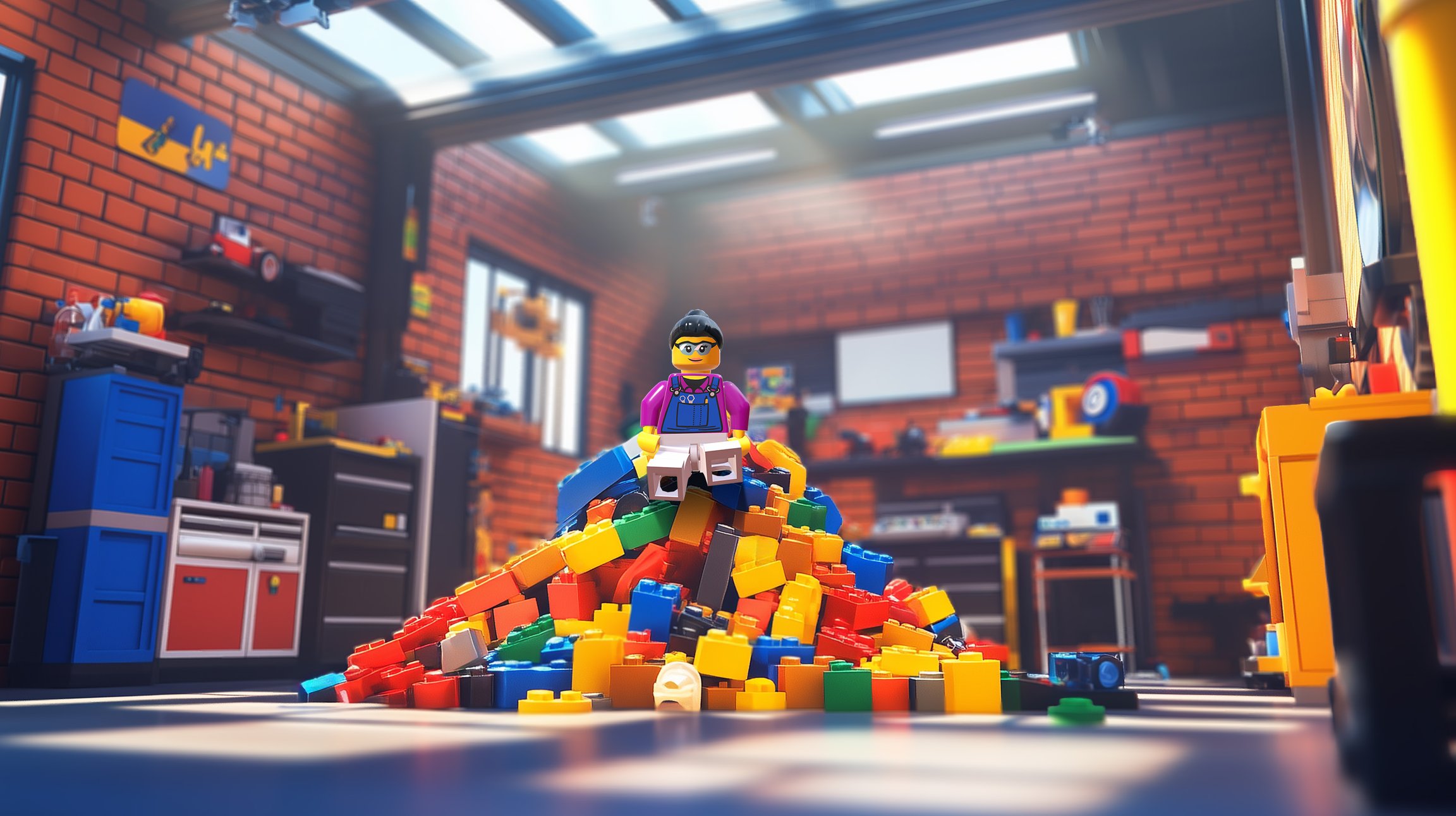
Welcome
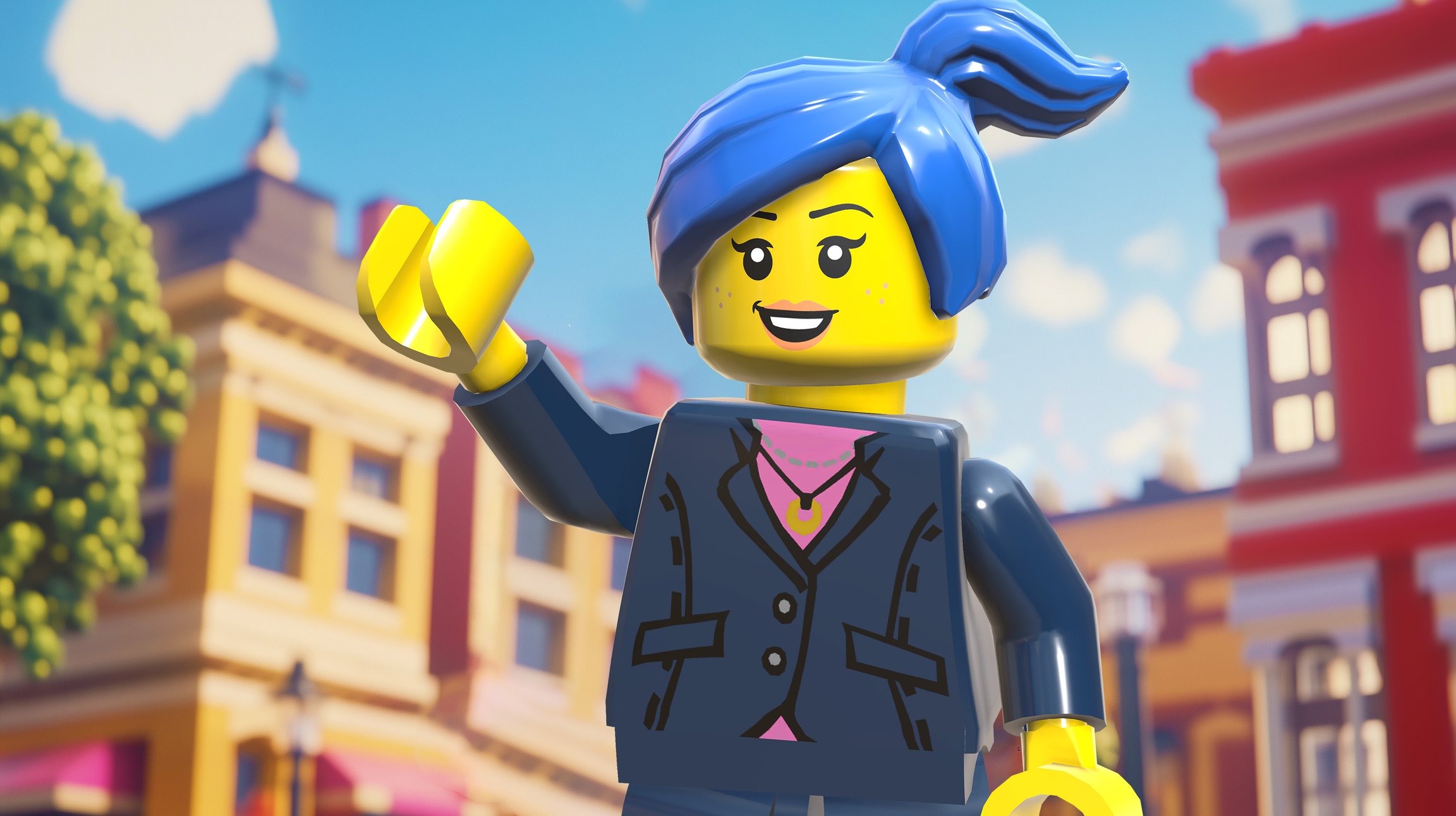
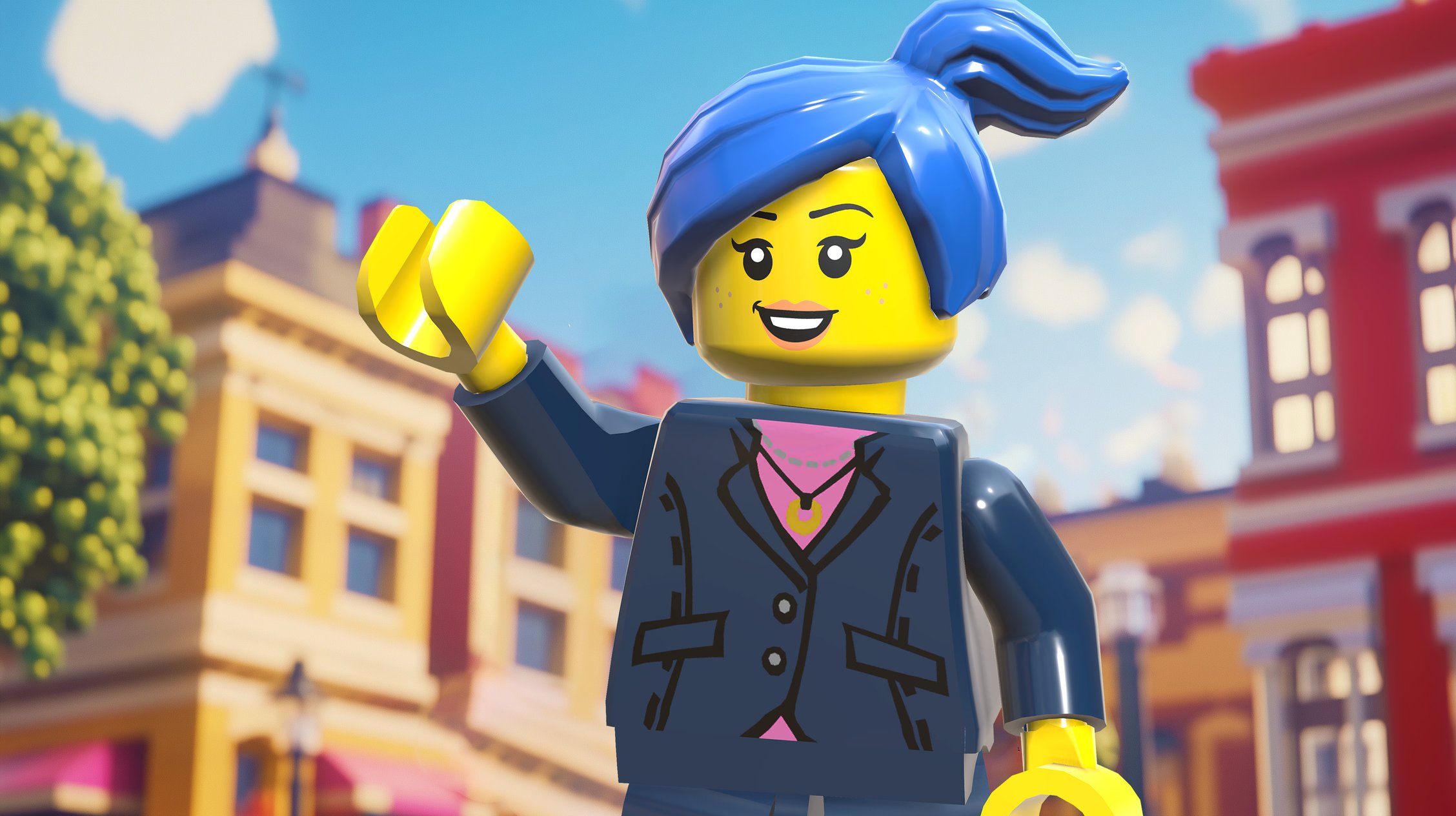
[Mayor Ishii] Welcome, traveler! 👋 You look exhausted! Here, grab a seat. 🚨 NO NOT THER-- okay it's fine it's fine. I know that bird. His poops brush right off.
I'm Lily Ishii, the mayor of Stardust Springs. You're probably thinking, "Wow, you look really young to be a mayor!" Well, you're right. 😎 At 19, I'm the youngest mayor in our town's history. But don't let my age fool you. I'm all about finding fresh solutions to big problems.
Speaking of which, see that stadium over there?
You'll never guess what it's for. Recycling! ♻️ We've turned recycling into a spectator sport. We call it RoboBattles!
We take junk out of landfills. Bike parts, broken appliances, you name it. We craft that junk into wild, weird, and colorful robots. Then we ride them into competition, battling to break them down into scrap! Parts fly every which way. The crowds go wild. And every battle ends with a treasure trove of recyclable materials! 🗑️🏆
You should see the robot designs they come up with. Tentacle pincer robots. 🐙 Pink rocket robots. 🚀 Cat robots with giant propeller tails. 🐈🌪️
I know you just got here, but we're always looking for new RoboBattles players. What do you think? Want to become the next RoboBattles star? Yea!? Let's gooooo!
Hey, wait a sec... I never got your name!
Next: Create your character ↓
Rules
[Judge Ethan] No, no, plastics go on the left. Careful now. I've got a whistle and I'm not afraid to use it. We can't have a repeat of the Great Sorting Mishap of '24.
Oh, hello there. I don't remember seeing you around Stardust Springs before. You must be new. Let me confirm that with my logbook. *FWEEET* 🎺💨 Call confirmed!
I'm Ethan Hill, the judge of RoboBatt-- Hey, turn that machine down! What did I tell you about flying scrap?! Sorry, we're gathering up all of the scrap from the last match to send off for recycling. Keep your head on a swivel. You don't want to end up in the flight path of Scrap Airlines. ✈️ The scrap in those blue buckets is on itsw way back to Zoe Foxlin's garage to be reused in new robots. ♻️🛞
Oh, you've talked to Zoe? Does that mean you're here to learn the rules of RoboBattles? *FWEEET* 🎺💨 5 minute time out for rules initiation!
The first rule of RoboBattles: there are no rules. *FWEEET* 🎺💨 Foul, me! Nah there actually are rules. I've just always wanted to use that line.
Next: Learn the rules of robot crafting ↓
Visit the Garage
[Mayor Ishii] Okay, now I feel like we've officially met. 🤝
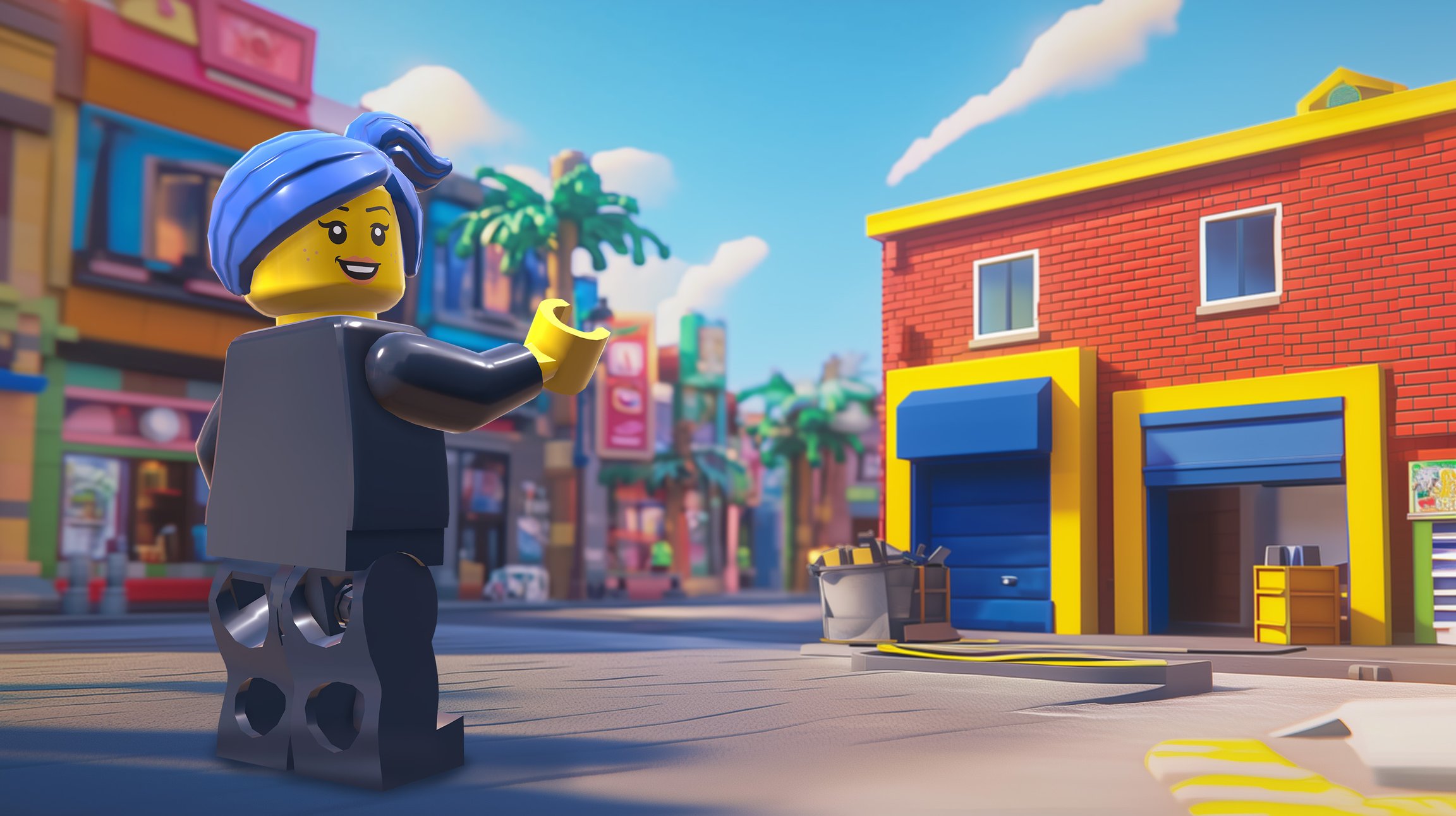
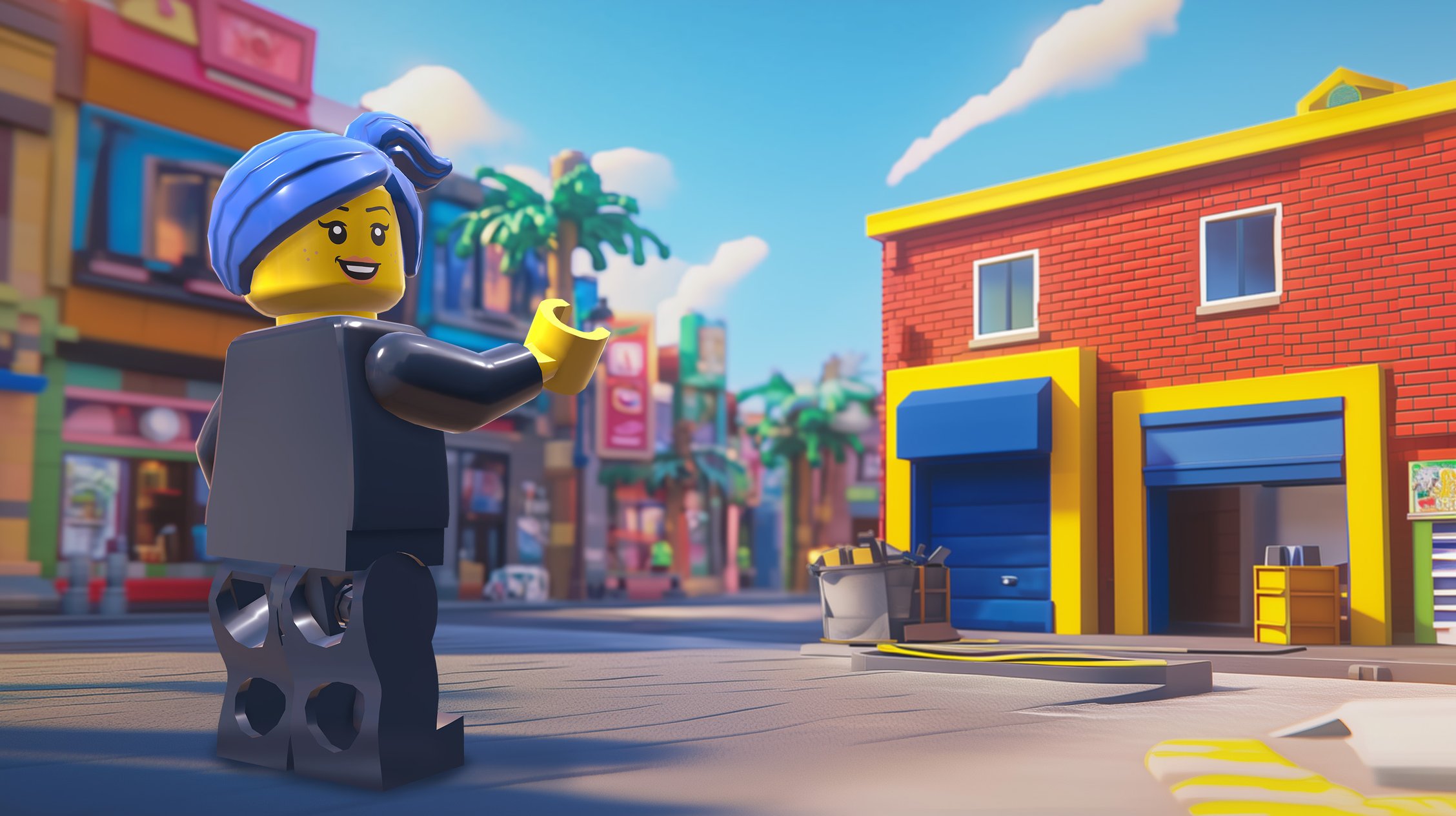
When you're ready to start gathering parts for your robot, I know just the person to talk to. Head over to that red building. That's Zoe's garage.
Tell her Mayor Ishii sent you. She'll have you crafting robots faster than a 3D printer on caffeine! ☕
Quests
Complete quests to earn XP and level up your skills!
💻 = Coding required
Lore
Your First Robot
[Zoe Foxlin] Pick a workbench and I'll give you a crash course! 🧰
To get you started, we'll recreate a simple bot I built the other day. I call it... The Purrmenator. 😼
[Zoe Foxlin] Now that your chassis is built, you're ready to decorate your robot! This is where your imagination can really shine.
Here is how I decorated The Purrmenator:
But this is *your* robot. Come up with your own decorations!
Design your robot after something meaningful to you. It could be your pet, an object from your favorite travel destination, or a character from a movie. If you can't think of anything, design it after the first thing you see when you look around the room!
Unlike the chassis which is made from Technic™ pieces, it's best to make decorations out of bricks so they can fall apart in battle. Remember, RoboBattles are all about putting on a recycling show. If your decorations explode in an awesome way, you'll earn more recycling points and get the win. Make your decorations wild!
To connect bricks to Technic™, use one of these methods:
Overview
RoboBattles is a LEGO® robotics competition and roleplaying game.
Craft the LEGO® robot of your dreams. Compete in real battles against friends and in tournaments. Create your very own character. Complete quests by building amazing LEGO® contraptions.
This Player's Guide is the hub for RoboBattles gameplay. It has all the info for your building, battling, and roleplaying adventures.
Create Your Character
Tell me about yourself! and fill out your Character Sheet.
[Zoe Foxlin] Hey there! 🔧 I'm Zoe Foxlin. Welcome to my robot garage!
Mayor Ishii sent you, huh? She's always drumming up new recruits. That's cool- we can use fresh faces and ideas.
I remember my first robot. It was basically a toaster on wheels. 😅🍞 That's the beauty of RoboBattles. You can design anything! You learn, you improve, and before you know it you'll have family, friends, and fans going wild for your creations. 🙌
Let me give you a tour. Just be careful where you step! My spare parts are everywhere.
Here's what you'll need to craft your robot. Expand each row for links to purchase!
Audi RS Q e-tron ($180)
Creative Build-and-Play ($50)
Minifigure ($10)
Your minifigure is your avatar! Any LEGO® minifig will do. You can use one you already have, buy one secondhand, or !
Xbox Controller ($50)
8 AA Batteries ($6)
Rechargeable AA batteries work too ♻️
Small Philips Screwdriver ($8)
To open the hub's battery compartment. You probably already have one lying around. Must be size #0 or smaller!
Got some spare LEGO® pieces already? Use em! In Stardust Springs, we're all about reducing waste. 🌿 I dive into closets and dumpsters like they're all-you-can-eat buffets. Why buy new parts when you have perfectly good scrap at home!
That's why we allow pretty much any LEGO® parts in RoboBattles. Mismatched pieces from the castle set you never finished? 🏰 That seagull from your little cousin's LEGO® Friends set? BAM, SLAP 'EM ON. 🍳
Once you've got your parts, you're ready for the next big step in your RoboBattles journey: crafting your first robot!
Next: Robot building tutorial ↓
Zoe's Garage
Zoe's Garage is a community makerspace and robot crafting hub located in Stardust Springs. Originally a family-owned aircraft repair shop, the facility was repurposed as part of the Neighborhood Workshop Initiative. Under the leadership of owner-operator Zoe Foxlin, it has become a central gathering place for RoboBattles competitors and aspiring builders.
History
The building that houses Zoe's Garage was originally Foxlin's Air Repair, operated by Zoe's mother for over forty years. When her mother retired, the building remained in the family. The space found new life when Mayor Ishii launched the Neighborhood Workshop Initiative, a program designed to transform vacant storefronts into community makerspaces. Zoe Foxlin, who had grown up learning mechanical skills in the shop, converted the former aircraft repair business into what would become one of Stardust Springs' most popular community workshops.
Facilities and Services
Workshop Space
The facility provides tools, workbenches, and assembly areas where competitors can craft and maintain their robots. The space maintains many of the professional-grade tools from its auto repair days, supplemented with equipment specifically suited for robot construction.
Parts Repository
The garage functions as a collection point for salvaged materials. Builders can find everything from discarded appliances to mechanical components, all carefully sorted and stored for reuse.
Training Center
New builders can receive guidance and technical instruction from Zoe Foxlin and other experienced community members. The garage offers both formal workshops and informal mentoring opportunities.
Foxlin keeps a drawer well stocked with her frequent visitors' favorite snacks.
Zoe's Garage has become more than just a workshop—it represents the intersection of Stardust Springs' industrial heritage and its commitment to environmental sustainability. The facility plays a crucial role in supporting the growth of RoboBattles as a sport, promoting creative approaches to recycling and reuse, and preserving and sharing mechanical knowledge across generations.
The success of Zoe's Garage has made it a model for other communities implementing similar workshop initiatives. Its transformation from an auto repair shop to a robot-building hub mirrors Stardust Springs' larger evolution from an industrial center to a leader in environmental innovation.
The garage's philosophy of combining practical mechanical knowledge with playful creativity has influenced the broader RoboBattles community, encouraging builders to consider both the technical and entertainment aspects of their creations.
As RoboBattles continues to grow in popularity, Zoe's Garage remains at the forefront of innovation in robot design and construction techniques. The facility continues to expand its programs, working closely with Mayor Ishii's administration to promote environmental sustainability through creative engineering.
Lily Ishii
Lily Ishii is the current mayor of . She is the youngest person to hold this position in the town's history, taking office at age 19. She is known for her innovative approach to environmental issues, most notably turning recycling into a competitive sport through the establishment of RoboBattles.
Lily was born to Dr. Akiko Ishii, a teacher, and Dr. James Ishii, a manager at a renewable energy company. Her mother's diplomatic approach to academic politics contrasted with her father's dynamic, risk-taking leadership. The dinner table often became an impromptu lesson in negotiation and problem-solving, with her parents encouraging her to defend her opinions and propose solutions to family decisions, from vacation planning to household rules. By age ten, Lily was already mediating disputes between her younger siblings and organizing neighborhood kids into elaborate games that she invented.
At Stardust Springs Public School, Lily learned quickly how to get things done. When her third-grade class needed to raise money for a field trip, she transformed the typical bake sale into a "taste-testing competition" that had students from every grade voting on their favorite treats with spare change. The event raised triple the usual amount and became an annual tradition. During the sixth-grade budget crisis that threatened the school festival, Lily mobilized her classmates to run the event entirely by themselves, coordinating student volunteers, parent committees, and local sponsors. The festival's success led to the creation of a permanent Student Events Committee.
The seeds of RoboBattles were planted during Ishii's junior year of high school, when she noticed how the school robotics club regularly scrounged through the recycling bins for parts. While she had little interest in building robots herself, she was fascinated by how the club members could transform seemingly worthless junk into working machines.
Next Steps
[Zoe Foxlin] Congrats, you're officially an expert on robot parts! Have a sticker. Oh wait, I used the last one as a decal on my flying spiderbot. Have a cookie instead! Oops, I used the cookies as spiderbot fuel. Umm.. this greasy old gear I found in an alley..? Yes. Congratulations. 😅
Where you go next is up to you! If you want to explore the town and level up your skills, go do some quests.
Or if you're ready to battle, you can take the next big step in your RoboBattles journey. You know what they say - to break the rules, you've gotta learn 'em first! And there's no one better to teach you than our RoboBattles judge, Ethan Hill! 🧑⚖️ Look for a guy in a striped shirt who looks like he's having WAY too much fun yelling "Foul!"
Around the same time, Ishii was working a part-time job at the town's recycling center, where she saw firsthand how many potentially useful materials ended up being processed or discarded. She began setting aside interesting mechanical parts for the robotics club, creating an informal exchange system that soon drew in other schools' teams as well.
In Lily's final year of high school, she was elected student body president. Her talent for turning mundane school initiatives into engaging community events caught the attention of local political leaders. After graduation, Lily spent a few months working at a restaurant before making the bold decision to run for mayor. She believed that Stardust Springs was ready for a fresh approach to community engagement.
Ishii's election as mayor of Stardust Springs marked a significant milestone in the town's history, breaking the previous record for youngest mayor by over 20 years. Her campaign focused on modernizing the town's approach to environmental challenges while engaging younger generations in community initiatives.
Ishii receives hundreds of requests daily from citizens of Stardust Springs. She is a strong delegator, asking others to pitch in when possible and sharing clear directions. When she sees community members, she asks them, "How are you doing? How is your family?" and listens. She is not afraid to tell residents, "Remember, it’s important to follow the law." While Ishii is always eager to help when possible, when she receives a request she can't fulfill, she is good about saying "no" and pointing people in the right direction to find help elsewhere. She recognizes the importance of community and is clear about her goals. Therefore, she gets results.
Ishii's signature achievement as mayor has been the transformation of recycling into a spectator sport known as RoboBattles. This innovative program combines environmental sustainability with community entertainment, encouraging residents to repurpose waste materials into combat-ready robots.
The first unofficial "battle" happened by accident, when two robotics teams showed up at the town's recycling center to claim the same pile of old printer parts. Instead of arguing, they agreed to compete for them, each building something on the spot with whatever they could find. When the battle was over, both robots had been broken down completely into easily reusable scrap. The event drew a surprising crowd of onlookers, and Ishii immediately recognized the potential for something bigger.
Within months, she had organized the first proper RoboBattle in the recycling center's parking lot, promoting it as "Stardust Springs' First Recycling Competition." The combination of spectacle and sustainability caught on quickly, though few could have predicted it would eventually become the town's signature sport.
The Neighborhood Workshop Initiative transforms vacant storefronts into community makerspaces. Initially proposed as a way to revitalize Stardust Springs' aging downtown district, these workshops serve as local hubs where residents can repair household items, learn practical skills, and work on personal projects.
Each workshop is equipped with tools and staffed by volunteer experts from the community—retired mechanics, craftspeople, and tech professionals who share their knowledge with younger generations. The spaces have become particularly popular with RoboBattles competitors seeking guidance on their designs, but they also host everything from furniture repair clinics to DIY electronics classes.
The most famous success story is Zoe’s Garage, the popular workshop founded by Zoe Foxlin.
[Judge Ethan] There is no official RoboBattles kit to buy. In the spirit of sustainability, the crafting rules are designed to allow players to get creative with any LEGO® parts they already have. If your robot looks like a tornado dropped a LEGO® Store onto a petting zoo, you're on the right track. 🐇🧱🐐
Robots must include original, unmodified LEGO® parts.
No tapes, glues, or other non-LEGO® materials are allowed, except for batteries.
Every robot must include 1 .
Every robot must include 1-3 .
Every robot must include 1 pilot minifigure.
Parts
[Zoe Foxlin] It's robot crafting time! First, gather up your parts.
Minifigure
The minifigure is you. 🫵 Who else is going to ride your robot into battle!?
Controller
The controller is how you control your motors! 🎮🚘 When you press a button, the controller sends a signal to your hub.
Hub
The hub is the brain of your build! 🧠 It receives signals from your controller. Then it uses those signals to power your motors.
Motors
Unless you're building a sitting duckbot, you'll need some motors. 🦆 Motors make your creations move!
The random LEGO® pieces that tie it all together! In Stardust Springs, we call this scrap! After each battle, you can recycle your scrap into your next robot.
There are two types of LEGO® pieces. You'll use both!
Bricks, plates, and more. For creating decorative designs.
LEGO® Technic™
Arms, axles, and gears. For creating strong, moving designs.
Chassis
[Zoe Foxlin] First we'll craft the chassis! Say it with me: chass-eeeeee!This is your robot's skeleton. It's a frame that includes your hub, motors, and wheels.
The chassis determines how your robot moves and battles. Remember how I said Technic™ pieces are good for crafting strong, moving designs? That makes them perfect for building a chassis.
A good chassis is all about experimentation. The more robots you craft, the better and faster you'll get at it!
Start by crafting the Purrmenator chassis:
Now plug in your motors:
Left motor → Port A
Right motor → Port B
Center motor → Port C
Now plug in your motors:
Left motor → Port A
First-Time Setup
[Zoe Foxlin] You only need to do these steps once!
Click Install RoboBattles Firmware. Follow the instructions on screen.
Your hub is now running the RoboBattles firmware!
2
Ensure your hub is on. Its light should be pulsing white.
Press and hold your hub's power button until the light starts pulsing quickly.
Turn on your controller by pressing and holding the Xbox button until it lights up. Release the button.
RoboBattles Stadium
RoboBattles Stadium is the premier competitive venue for RoboBattles in . Originally converted from an abandoned manufacturing facility as part of environmental initiatives, the stadium has become the heart of the town's competitive recycling scene.
The building that now houses RoboBattles Stadium was formerly the Stardust Manufacturing Coalition's main assembly plant. When RoboBattles began gaining popularity under Mayor Ishii's administration, the facility was repurposed to accommodate the growing spectator sport. The renovation preserved many of the building's original industrial features, incorporating them into the stadium's distinctive aesthetic that celebrates Stardust Springs' manufacturing heritage.
The stadium's first official RoboBattles competition marked the transformation of RoboBattles from informal matches at the recycling center into a structured sporting event.
The details of the incident remain subject to debate— a closely guarded secret among Judge Hill and other community members who were present at the time.
The main battle arena features a reinforced competition space surrounded by safety barriers, which are regularly inspected by Head Judge for stability. The arena floor features special surfaces designed to accommodate various robot designs while protecting the underlying structure from damage.
Battle Rules
[Judge Ethan] The battle rules are designed to make sure the robot with the most exciting recycling performance is the winner. 💥
Knock out the other robot, OR
Finish the battle with the most
A robot is knocked out if the player has lost control over its movement.
If a robot looks like it is no longer under the player's control, the battle is paused and the player must show control by driving their robot to a particular area of the arena.
If a battle reaches the 3 minute mark, the robot with the most recycling points wins.
Recycling points reward a robot for having decorations that break apart in battle.
If your robot causes the crash, you get points for all decorations that break off— even your own.
If both robots cause the crash, each player gets points for decorations that break off their own robot.
The more awesome the crash looks, the more points it's worth.
If both robots get stuck for 10 seconds, battle is paused and the robots may be separated.
*FWEEET* 🎺 A well tuned robot can reach high speeds. Always play RoboBattles under adult supervision. Wear safety glasses. By participating, you agree to assume all responsibility for safety precautions and risks. 🥽
True to the spirit of RoboBattles, the stadium incorporates an advanced materials sorting system. Designated areas around the arena allow for immediate collection and categorization of parts from defeated robots. These materials are transported throughout Stardust Springs for reuse, to places like the reycling center or community workshops like
for reuse in future robot construction.
Standing-room observation decks that provide multiple viewing angles
Digital scoreboards showing match statistics and recycling metrics
Concession areas featuring local vendors
Competitor preparation areas equipped with basic tools and emergency repair stations
Judge's observation platform with enhanced viewing capabilities
Advanced lighting system for optimal visibility during matches
Built-in cameras for match recording and live streaming
Emergency response systems including fire suppression and first aid stations
Under the strict supervision of Judge Ethan Hill, the stadium maintains rigorous safety standards:
Regular inspection of safety barriers and arena infrastructure
Strict enforcement of robot construction guidelines
Designated "scrap-free zones" to prevent flying debris incidents
Clear evacuation routes and emergency procedures
RoboBattles Stadium has become more than just a sports venue—it represents Stardust Springs' successful fusion of environmental responsibility with community entertainment. The facility has inspired similar venues in other communities and serves as a model for how industrial spaces can be repurposed for innovative environmental initiatives.
The stadium's success has contributed significantly to Stardust Springs' reputation as a leader in environmental innovation and community engagement, while providing a platform for the continued growth and development of RoboBattles as a sport.
Press and hold the pair button until the controller light starts blinking fast. Release the button.
After a few seconds, both the hub light and controller light should stop flashing.
Your hub and controller are now paired. They will automatically connect to each other next time they are turned on.
Pair Your Controller With Hub
If your computer asks to pair to your controller, deny the request. The controller never needs to be connected to your computer.
Troubleshooting
Make sure it has fresh batteries and that they're facing the correct direction.
Turn your hub and controller off. Ensure there are no other hubs or controllers turned on in your space. Repeat the pairing steps.
If it still won't pair, reinstall the hub firmware and try again.
If it still won't pair, your controller may have shipped with outdated software. Follow . Then repeat the steps above.
Ethan Hill
Ethan Hill serves as the head judge of RoboBattles in . Appointed by , Hill is known for his encyclopedic knowledge of RoboBattles regulations and precise judgment calls.
Hill spent his childhood as an avid board game enthusiast. In junior high, he developed a passion for competitive card games. He worked part-time at a local game shop, where he taught game mechanics to new players in card tournaments. His notebooks from this period are filled with observations about tournament formats and suggestions for improving event organization, interspersed with his characteristic dry humor about particularly memorable rule disputes.
Hill stumbled into RoboBattles during its early days, when matches were still being held in the town recycling center. He initially came to watch his roommate compete, but found himself oddly fascinated by the makeshift rule systems different competitors used. While others debated robot designs, Hill filled his notebook with ideas for standardizing match procedures.
As RoboBattles grew in popularity, Hill's notebooks of carefully documented precedents and procedures helped legitimize the sport while maintaining its core mission of promoting recycling and sustainability. Mayor Ishii recognized the importance of his work and appointed him head judge of RoboBattles. Hill's notebook became the foundation of the official RoboBattles rulebook.
Perhaps the most infamous event in Hill's judging career. While the details of this 2024 incident remain subject to debate, competitors still speak in hushed tones about the day Hill used his whistle seventeen times in under two minutes.
Hill's judging style features strict adherence to rules. During matches, he maintains constant vigilance, his eyes tracking every movement while his hand rests readily on his whistle. He makes swift, fair judgments without hesitation. His penalty calls have become known for their brevity and dry humor, as he assumes all competitors are already familiar with the rules.
As head judge, Hill continues to refine the RoboBattles rulebook. He approaches rule development like a chess player, thinking several moves ahead to anticipate potential loopholes or unintended consequences. Each new rule undergoes rigorous testing through hypothetical scenarios before implementation.
[Zoe Foxlin] I need your help. Like, right now. Meet me at the abandoned test track east of town. We've got a situation. Bring a robot with two wheel motors, like the Purrmenator. I'll explain why when we get there.
Fastest Robot Takes It
No time to waste. Here's the deal. Have you met the Martinez twins? They're a couple of up-and-coming robot builders who've been running this incredible recycling program across town. Free robot repair clinics, big collection of salvaged parts, the works.
Here's the problem. VentureState showed up last week. A big land corporation. They're trying to shut down the twins' program so they can take over the building. The twins challenged them to settle it with a race. Custom robot controls only. Fastest robot takes it. If the twins win, VentureState backs off. If they lose...
The twins' robot is practically perfect. One of the best designs I've ever seen. But their coder quit yesterday. VentureState offered them a job they couldn't refuse. 😠 So this robot — which again, PRACTICALLY PERFECT — has no control program. It's useless.
I need your help creating a program that can take down VentureState's store-bought robot. The race is tonight. Will you help? Great.
Make sure your robot has two wheel motors, like the . Plug the left motor into port A and the right motor into port B.
Let's start with the code we made for our robot.
This robot uses the joystick to spin on command. But the Martinez Twins don't need a dancing robot. They need a robot they can steer all over a racetrack.
We started with the motor on the left. We control it with the left joystick.
Next we'll do the motor on the right. We should control this one with the right joystick.
Let's start by copying the motor code we already have. Here's where we set up the motor.
The motor on the left is plugged into the hub's port A. So when we set up the new motor in our code, we'll want to use Port.B instead of Port.A. This is called a parameter. Let's copy this line and change the port parameter.
Hmm, I already see a problem here. We're using the motor variable twice.
The first line stores motor A in motor. But then the second line replaces it with motor B. Now motor A is lost. We have no way to control it.
We'll need to use two different variables by giving them different names. What should we call them? A variable can have basically any name, as long as it:
Only uses letters, numbers, and underscores _
Doesn't start with a number
We COULD name the second variable toilet. 🚽 But the code will be easier to understand if the variable names actually makes sense. So flush that idea. We'll call them motorA and motorB instead.
Much better. We'll need two speed variables as well. Copy the line where we set the motor speed. Rename the variables speedA and speedB .
We want speedB to come from the right joystick. So let's change joystick_left to joystick_right.
Lastly, let's copy our motor rotation code and use the new variables.
The program should look like this.
Load it up. Push both joysticks all the way up. Both wheels will turn, and your robot will drive straight ahead. We did i— oh wait.
Problem! What's going on here?
The motors are running in different directions! Nooooo!
This is because the motors are facing opposite directions from each other. We want our robot to move forward when we press both joysticks up. So we need to make motor A rotate the opposite direction.
Remember on our sinkhole robot how we switched motor direction by adding - to the speed value? Well, we can do the same thing here with math. We multiply speedA by -1. To multiply, we use the * symbol.
If you haven't used negative numbers before, don't worry about how this works. Just know that you can always multiply by -1 to flip a motor's direction.
Here's the final code.
You know the drill. Load it up and enjoy your fully steerable robot!
Push both joysticks up to drive forward. Push both joysticks down to drive backward. Push the joysticks in different directions to turn.
Let's make sure this program works! Design an awesome race course with crazy turns and obstacles to avoid.
Steer your robot through the course as fast as you can. If you have a friend or teammate with another robot, challenge them to race.
Amazing. I couldn't have done it without you.
Wait, what time is it!? I have to get this program over to the Martinez Twins. VentureState's robot won't stand a chance.
Now that you know how to code, you can start experimenting with custom joystick controls for your own robot designs. Later on I'll show you how to use controller buttons.
Custom Controls
[Zoe Foxlin] A program tells your hub and motors how to respond to button presses. You can create your own custom program to control your bot any way you like!
1
Visit using Chrome or Edge.
Click the ➕ New File button.
Controlling Your Bot
1
Press the green button. Your hub will light up.
When finished, press the button again to turn your hub off.
Press and hold the large button until your hub lights up.
When finished, press the button to turn your hub off.
Zoe Foxlin
Zoe Foxlin is the owner and operator of , a central hub for robot builders in . Known for her mechanical ingenuity, Foxlin has become an essential figure in the RoboBattles community.
Growing up in a family-owned aircraft repair shop, Foxlin spent her childhood surrounded by tools and machinery. Her mother, a pilot who ran Foxlin's Air Repair for over forty years, encouraged her natural curiosity about how things worked. By age twelve, Zoe could diagnose engine problems by sound alone, a skill that would later prove invaluable in RoboBattles maintenance.
The original Foxlin's Air Repair closed when her mother retired, but the building remained in the family. Years later, when launched the , Zoe converted the space into Zoe's Garage.
In the RoboBattles community, Foxlin serves as more than just a garage operator. Her deep mechanical knowledge makes her an invaluable resource for newcomers seeking guidance on their first builds. During tournaments, she often works behind the scenes as an emergency repair specialist, helping competitors salvage and rebuild their robots between matches.
Foxlin's approach to robot construction emphasizes whimsical designs. She encourages builders to think creatively about salvaged materials, finding silly, colorful, and wild uses for discarded items that others might overlook. This philosophy has influenced many builders in the community to consider not just how their robots will perform in competition, but how they will entertain the crowd and inspire young aspiring robot builders of all backgrounds.
# Set up controller
controller = XboxController()

# Set up motor
motor = Motor(Port.A)

while True:

    # Set motor speed
    speed = controller.joystick_left()[1]

    # Rotate motor
    motor.go(speed)
# Set up motor
motor = Motor(Port.A)
# Set up motor
motor = Motor(Port.A)
motor = Motor(Port.B)
# Set up motor
motorA = Motor(Port.A)
motorB = Motor(Port.B)
    # Set motor speed
    speedA = controller.joystick_left()[1]
    speedB = controller.joystick_left()[1]
    # Set motor speed
    speedA = controller.joystick_left()[1]
    speedB = controller.joystick_right()[1]
    # Rotate motor
    motorA.go(speedA)
    motorB.go(speedB)
# Set up controller
controller = XboxController()

# Set up motor
motorA = Motor(Port.A)
motorB = Motor(Port.B)

while True:

    # Set motor speed
    speedA = controller.joystick_left()[1]
    speedB = controller.joystick_right()[1]

    # Rotate motor
    motorA.go(speedA)
    motorB.go(speedB)
    # Rotate motor
    motorA.go(speedA * -1)
    motorB.go(speedB)
# Set up controller
controller = XboxController()

# Set up motor
motorA = Motor(Port.A)
motorB = Motor(Port.B)

while True:

    # Set motor speed
    speedA = controller.joystick_left()[1]
    speedB = controller.joystick_right()[1]

    # Rotate motor
    motorA.go(speedA * -1)
    motorB.go(speedB)
If this is your first time, copy my premade control program ↓.
2
Connect your hub to your computer
Turn on your hub.
Double tap the green button. The light should start flashing blue.
Click the Bluetooth button.
Click the name of your hub, then click Pair.
When the hub is connected, the light will stop flashing and turn solid blue. The Bluetooth button icon will also change.
Turn on your hub.
Double tap the power button. The hub light should start flashing blue.
Click the Bluetooth button.
3
Transfer the program to your hub
Press the Play button.
The play button will turn into a loading wheel to show progress. If it gets stuck: refresh the page, reconnect bluetooth, and try again.
You only need to transfer a program to your hub once. Your hub will remember it.
Hover over the code below, click the Copy button, and paste it into your empty file.
2
Turn on your controller
Press and hold the Xbox button until it lights up. Release the button.
After a few seconds, the lights on your hub and controller will stop flashing and turn solid white. They are now connected.
Troubleshooting
Make sure it has fresh batteries and that they're facing the correct direction.
Turn your hub and controller off. Now turn them both on again.
If they still won't connect, they might have lost their pairing. Follow the instructions in to re-pair them. Ensure all other hubs and controllers in your space are turned off.
You have a bug in your custom control program which is causing the program to crash.
3
Steer your bot
Use the left joystick to drive. Use the triggers to control your weapon.
Turn on your hub
Troubleshooting
The hub won't light up.
Make sure you've installed all six AA batteries, and that they are fully charged and facing the right direction.
Troubleshooting
The hub won't light up.
Make sure the battery is fully charged.
Foxlin takes pride in making Zoe's Garage a welcoming place for all residents of Stardust Springs. Community members love to hang out in her garage. She keeps the snack drawer well stocked with everyone's favorite snacks, and prioritizes fun over rule-following. Foxlin always says "yes" to requests for help, no matter how busy her schedule is. She engages robot builders of all backgrounds by answering questions and sharing design ideas.
When the hub is connected, the light will stop blinking and turn solid blue. The Bluetooth button icon will also change.
# Set up controller
controller = XboxController()

# Set up motors
left = Motor(Port.A)
right = Motor(Port.B)
weapon = Motor(Port.C)

# Run program loop
while True:
    # Get input
    compX = controller.joystick_left()[0]
    compY = controller.joystick_left()[1]
    compWL = controller.triggers()[0]
    compWR = controller.triggers()[1]

    # Accept D-Pad for drive motor control to support adaptive controllers
    if Button.LEFT in controller.buttons.pressed():
        compX -= 100

    if Button.RIGHT in controller.buttons.pressed():
        compX += 100

    if Button.UP in controller.buttons.pressed():
        compY += 100

    if Button.DOWN in controller.buttons.pressed():
        compY += 100

    # Accept buttons for weapon motor control to support adaptive controller
    if Button.B in controller.buttons.pressed():
        compWR += 100

    if Button.A in controller.buttons.pressed():
        compWL += 100

    # Reduce left/right input for slower turning to make bot easier to control
    compX /= 3

    # Control weapon motors
    if compWL - compWR != 0:
        weapon.go(compWL - compWR)
    else:
        # Triggers are not pressed, so let weapon motor spin freely
        weapon.stop()

    # Control wheel motors
    if compX != 0 or compY != 0:
        # Joystick is pressed, so move wheel motors
        left.go(-compY - compX)
        right.go(compY - compX)
    else:
        # Joystick is not pressed, so let wheel motors spin freely
        left.stop()
        right.stop()
Troubleshooting
The hub won't light up
Make sure you've installed all 6 AA batteries. The battery holder pops out and stores 2 rows of 3 batteries each. Make sure your batteries are fully charged and facing the right directions.
The hub isn't showing up in the list
Make sure your hub is in Bluetooth mode. The light should be flashing blue.
If the light is off, your hub is off. Press the green button to turn it on.
If the light is slowly pulsing, your hub is running code. Double tap the green button until the light starts flashing instead.
Make sure you've .
If it's still not showing up, reinstall the RoboBattles firmware and start over.
The play button is grayed out
Troubleshooting
Make sure the battery is charged.
Make sure your hub is in Bluetooth mode. The light should be flashing blue.
Make sure you've .
If it's still not showing up, reinstall the RoboBattles firmware and start over.
The controller won't turn on.
The controller won't connect.
The controller appears to connect, but after a moment it turns off and the hub starts flashing blue.
[Judge Ethan] *FWEEET* 🎺💨 Hey, this safety barrier is still wobbly! Can someone get a wrench on this thing? 🔧 We've had enough runaway robots for one season.
Where was I? Oh right, battle arenas! Not every battle happens in a stadium. Smaller battles happen every day all over Stardust Springs. Here's how to set up your own battle arena:
Find floor space. A 6'x6' square is best, but anything can work as long as long as there's space for robots to roam. Try for a solid floor surface like wood or tile. Carpets, especially fluffy ones, don't work well because robots get stuck.
Mark the arena. If you have long pieces of material like pipe or wood, you can use that to create a barrier. Otherwise, you can put down something flat like string or tape. I recommend this awesome .
Dress it up. Consider setting up some action lighting. A couple of at the corners of the arena make for some intense competition. When it's time to battle, turn off your room lights and drop a playlist.
*FWEEET* 🎺💨 2 minutes until the next battle! All staff, clear the stadium! *FWEEET FWEEET* 🎺🎺💨
You better take off unless you want to end up in the recycling heap!
Controls
[Zoe Foxlin] Time to get your robot in motion!
The control system you design for your robot is just as important as the robot itself!
What buttons and joysticks will control which motors? How fast will the motors move? Will there be a delay? Will it set off a dazzling chain of movements across multiple motors? The possibilities are endless. And the power is in your hands.
[Mayor Ishii] You've heard the news, right? You haven't!? Do you even check your DMs!? We're down a competitor for tonight's RoboBattles! The headline match was supposed to feature Ben Carr, one of our volunteer firefighters. But a wildfire sprung up a few hours ago. His whole squad got called out to fight it. I've been scrambling to find someone to take his place.
I know you haven't been here long, but Zoe tells me you're a total natural. This could be your big break. Do you think you can put a robot together in time? Oh, one very important thing. Tonight's battle is custom controls only.
Hurry over to Zoe's Garage and she can help you design your very own control program.
[Zoe Foxlin] Ben Carr dropped out? Well yea, I heard that hours ago. I check my DMs.
Make sure your robot has two wheel motors and a weapon motor, like the . Plug the motors in exactly like this.
We're short on time, so let's start with the control program you wrote for the Martinez Twins.
We're already using both joysticks, so we'll need to use buttons to control our weapons.
First let's add a line to set up a motor on port C:
Buttons work a little differently than joysticks. Joysticks have a range of motion. We get their position, and then set the motor power to that number, like this.
Buttons don't have a range of motion. They only have two positions. They're either pressed, or they aren't. So the code for buttons is a little different. We need to check if the button is pressed. Here's some code from one of my old control programs where I used the A button to rotate a motor.
This is called an if statement. It's basically like a True/False question. If the answer is True, the code inside it will run.
My code checks if button A is pressed. If so, it sets speed to 100 .
Let's add my if statement to the area where we set motor speed.
When button A is pressed, we should set motor C's speed to 100 . Let's add that line. Give it an extra indent since it's inside the "if statement."
Now add a line to rotate motorC.
Your code should look like this.
Load it onto our robot and away we go!
Um, jk. It's not working. The controller turns off, and the program stops running. Let me ask a chatbot. I'll paste in the full code, and ask:
why isn't this working?
Hurry up hurry up. We've got a battle to get to. Okay, it says:
The variable speedC is inside an if statement, so it's only created if the statement is True.
Oh right! Well there's the problem. We need to make sure the powerC variable is created, even if the button isn't pressed. Let's add a line above our if statement to create powerC no matter what.
Now even if the A button isn't pressed, we're still creating speedC and assigning a value of 0.
Here's the final code.
Load it onto your robot and press the A button to rotate your weapon!
Almost there. You'll be facing some tough competition in this RoboBattle. You might need your weapon motor to rotate backwards. Especially if your weapon is something like a hammer that raises and lowers, or claw that opens and closes.
Let's use the B button for this. Add two lines to our if statement, like this.
elif is like saying, "if the previous True/False question was False, then ask this question."
So if the A button isn't pressed, our code will check if the B button is pressed. If it is, it will set speedC to -100.
Here's the full program.
Take it for a spin!
You know what? This is YOUR creation now. The best robot crafters I know all have their own... signature, I guess? The way they control their robots is as unique as their designs. The "right" way to control your robot is whatever feels right to you.
Go ahead and replace Button.A and Button.B with whatever buttons feel right to you!
Main Buttons
Button.A
Button.B
Or if you want to use the left and right triggers instead, remove the if statements and just set speedC with this one line. The trigger positions range from 0 to 100. This line gets the right trigger position and subtract's the left trigger to give the full speed range from -100 to 100.
With these coding skills and a little math, you can make your robot do literally anything. Combine all movement into one joystick. Use a button to activate a turbo boost. Create an ignition or emergency shutoff button. If you can imagine it, you can code it. Come back another time and I'll help you create some really wild stuff. Today, though... no time to spare. The battle is coming right up.
Give your robot some RoboBattles worthy decorations. Remember, recycling points are the key to victory. Decorations should be wild and whimsical, and they should fall apart easily in battle to earn you the most points. Technic™ pieces are usually hard to break apart, so mostly use bricks! Strong chassis, delicate decorations!
If you have a friend or teammate with another robot, challenge them to battle!
Button.X
Button.Y
Direction Pad
Button.UP
Button.DOWN
Button.LEFT
Button.RIGHT
Bumpers
Button.LB
Button.RB
Face Buttons
Button.VIEW
Button.GUIDE
Button.MENU
Button.UPLOAD
# Set up controller
controller = XboxController()

# Set up motor
motorA = Motor(Port.A)
motorB = Motor(Port.B)

while True:

    # Set motor speed
    speedA = controller.joystick_left()[1]
    speedB = controller.joystick_right()[1]

    # Rotate motor
    motorA.go(speedA * -1)
    motorB.go(speedB)
# Set up motor
motorA = Motor(Port.A)
motorB = Motor(Port.B)
motorC = Motor(Port.C)
speedA = controller.joystick_left()[1]
if Button.A in controller.buttons.pressed():
    speed = 100
    # Set motor power
    speedA = controller.joystick_left()[1]
    speedB = controller.joystick_right()[1]
    if Button.A in controller.buttons.pressed():
    # Set motor power
    speedA = controller.joystick_left()[1]
    speedB = controller.joystick_right()[1]
    if Button.A in controller.buttons.pressed():
        speedC = 100
    # Rotate motor
    motorA.dc(speedA * -1)
    motorB.dc(speedB)
    motorC.dc(speedC)
# Set up controller
controller = XboxController()

# Set up motor
motorA = Motor(Port.A)
motorB = Motor(Port.B)
motorC = Motor(Port.C)

while True:

    # Set motor speed
    speedA = controller.joystick_left()[1]
    speedB = controller.joystick_right()[1]
    if Button.A in controller.buttons.pressed():
        speedC = 100

    # Rotate motor
    motorA.go(speedA * -1)
    motorB.go(speedB)
    motorC.go(speedC)
    speedC = 0
    if Button.A in controller.buttons.pressed():
        speedC = 100
# Set up controller
controller = XboxController()

# Set up motor
motorA = Motor(Port.A)
motorB = Motor(Port.B)
motorC = Motor(Port.C)

while True:

    # Set motor speed
    speedA = controller.joystick_left()[1]
    speedB = controller.joystick_right()[1]
    speedC = 0
    if Button.A in controller.buttons.pressed():
        speedC = 100

    # Rotate motor
    motorA.go(speedA * -1)
    motorB.go(speedB)
    motorC.go(speedC)
    if Button.A in controller.buttons.pressed():
        speedC = 100
    elif Button.B in controller.buttons.pressed():
        speedC = -100
# Set up controller
controller = XboxController()

# Set up motor
motorA = Motor(Port.A)
motorB = Motor(Port.B)
motorC = Motor(Port.C)

while True:

    # Set motor speed
    speedA = controller.joystick_left()[1]
    speedB = controller.joystick_right()[1]
    speedC = 0
    if Button.A in controller.buttons.pressed():
        speedC = 100
    elif Button.B in controller.buttons.pressed():
        speedC = -100

    # Rotate motor
    motorA.go(speedA * -1)
    motorB.go(speedB)
    motorC.go(speedC)
[Stewskee] WHAT. IS. UP! YOUR BOY STEWSKEE HERE WITH THE COLLAB Y'ALL BEEN BEGGING FOR. THAT'S RIGHT. I'M HERE WITH THE CREATOR OF THE SINKHOLE PATROL ROBOT. WHAAAAT.
Psst... hey... lean into this shot for the intro. Look real serious. Yea alright. Got it. Appreciate it.
You want a selfie or something? Wait. You don't know who I am? FOR REAL? Braeden? Braeden Stewart? @stewskee? 2 million followers? I guess you're not one of 'em.
Check this out. So I'm livestreaming during that insane storm. I turn a corner and there's this GIANT SINKHOLE. And this robot is RIPPING circles around it. WHAT.
Chat goes nuts. The clip blows up. My followers DOUBLE. Everyone's DM'ing me about this robot.
The algorithm's begging for more sinkhole robot. Gotta get more content out of it. So I got this idea.
DANCE VIDEO.
Picture this. We drop a track. Your robot dances to it with its signature spin moves. ARE YOU KIDDING ME. 5 million followers EASY.
You'll do alright too. You'll get your name out there. Launch your robot crafting career. Inspire more builders to get started.
Meet me here tomorrow and we'll shoot. Actually - this background is TRASH. Meet me over there instead. Just one thing. Make sure your robot can spin with the beat. The dance has gotta be perfect.
[Zoe Foxlin] Robot code? For a dance video!? With Stewskee!?! Omg yes. I'm fangirling right now.
Just like last time, make sure you've got a robot with wheel motors, like the . The left motor has to be plugged into port A.
Let's start with the old code we found online for the sinkhole robot.
We turned this into a mean patrolling machine by changing its motor direction and speed. But for a dance video, you don't need a self-driving robot. You need a robot you can steer with your Xbox controller to make it whip back and forth with he music.
We'll need to understand more about the code so we can figure out what to change.
Last time we just changed the speed number. What's actually going on when we do that? Let's look at the line.
speed is a variable. A variable is like a box for storing things.
= tells the computer to store something in the box.
20 is a number. 🤯🤯🤯
So this line stores the number 20 in a variable named speed.
🤔 If we're bothering to store that number 20, it probably means we're using it again later. Let's look through the rest of the code. See if you can find another line where the variable speed appears.
There it is, right at the end.
Thanks to the comment, we know what this line does. It rotates the motor. And it uses our speed value for the rotation speed.
Any time we write the variable speed, the computer uses the value stored inside it. We know that speed is storing the number 20. So when we write...
... the computer basically does
What's up with this motor thing? Where does it come from? Let's look earlier in the code. See if motor appears anywhere else.
There it is.
Looks like motor is another variable. But instead of storing a number like 20, we're storing something else: Motor(Port.A).
Motor(Port.A) is an object. It represents the motor plugged into hub port A.
So this line stores a motor object in the variable motor. And we use this motor variable later on to actually rotate the motor, just like we did with the speed variable.
We want our Xbox joystick to control the rotation speed. So instead of storing 20 or 100 or whatever in the speed variable, we want to store the joystick's position.
First we'll need to set up our controller. That was already done in the code we found online. Check out this line.
Looks a lot like the line where we set up the motor. And it works almost the same way.
controller is another variable.
XboxController() is another object. This one represents our controller.
So we've stored the controller. Hmm, how do we get its joystick position? Joystick position. Joyyyyyystick position. I'm stuck again.
Oh wait, I think I've done this before! When I get stuck on a coding problem, I try to remember if it's something I've coded before. That way I can look at my old programs, instead of trying to find a random example online.
I've definitely written joystick code for other robots. Let me dig through some old files. There it is!
Good thing I left a comment. Thanks, old me. 🤝 So this code will get the joystick's vertical (up/down) position from our controller.
On the line where we set speed, let's replace the 20 with my joystick code.
The final code should look like this.
Load the program onto your hub and turn on your controller. Once your controller connects, try moving the left joystick up and down.
And away we gooooo.... hmm. It's not working.
What the heck. It really seems like this should work.
When I can't figure out why my code isn't working, sometimes I ask an AI chatbot. I pasted in all the code, and I asked:
why can't I control the motor speed?
It said:
speed is only being set once, right when the program starts. Move it inside the "while loop" so it's set continuously from the joystick.
Ah ok! Good chatbot. 🫳🐶 Take a look at these lines at the end of the program.
This is called a "while loop." The line while True: starts the loop. The code inside it will run over and over. It repeats until humanity goes extinct. Or until your hub runs out of battery. Whichever comes first.
The chatbot says we need to set our speed variable inside the while loop. Let's move it inside.
Note that all the lines inside the loop are indented. That's not an accindent. 😂 The indents tell the program that these lines are "inside" the while loop.
The full program should look like this.
Load it up. Connect your control, and give that left joystick a push!
Remember when we first saw this program? It looked like gibberish. Well now it actually makes some sense! Let's look at it one last time from the start.
We know this. What does it do?
Next! What does this do?
Next again! We know these lines too. Remember what they do?
That's the whole thing! We set up a few variables. We run the motor in a loop. Not so scary.
It's fine if you're still a little confused. The important thing is that the code works. And next time you'll be able to whip up your code even faster!
Now take this masterpiece back to Stewskee. I'll just be sitting here refreshing until the dance vid drops.
[Stewskee] There it is, THE sinkhole patrol bot. I mean, the chassis SLAPS. But the decorations are kind of... basic? No offense. Just, my viewers expect a certain aesthetic.
Find some scrap and take a sec to decorate this thing. Don't go overboard though. Just give it a vibe. In a few minutes this lighting will be trash.
WHAAAAT. I can barely recognize it. That's FIRE.
YOU READY?
Blast your favorite beats.
Turn on your bot and connect your controller.
Drop that signature SPIN. Move the joystick up and down to step back and forth with the beat.
Got a phone? Shoot it, or ask a buddy.
NO WAY. This is LITERALLY THE CLEANEST bot choreo EVER.
I'm dropping this tonight. The numbers are gonna be CRAZY.
Get ready. Your phone's gonna blow up. This time tomorrow you'll be a legend. Everyone in Stardust Springs is gonna know your name.
If you've got permission, POST THIS THING. #BotBattles
# Set up controller
controller = XboxController()

# Set up motor
motor = Motor(Port.A)

# Set motor speed
speed = 20

while True:

    # Rotate motor
    motor.go(speed)
speed = 20
# Set up controller
controller = XboxController()

# Set up motor
motor = Motor(Port.A)

# Set motor speed
speed = 20

while True:

    # Rotate motor
    motor.go(speed)
    # Rotate motor
    motor.go(speed)
motor.go(speed)
motor.go(20)
# Set up controller
controller = XboxController()

# Set up motor
motor = Motor(Port.A)

# Set motor speed
speed = 20

while True:

    # Rotate motor
    motor.go(speed)
# Set up motor
motor = Motor(Port.A)
# Set up controller
controller = XboxController()
# Get joystick's vertical position
controller.joystick_left()[1]
# Set motor speed
speed = controller.joystick_left()[1]
# Set up controller
controller = XboxController()

# Set motor speed
speed = controller.joystick_left()[1]

# Set up motor
motor = Motor(Port.A)

while True:

    # Rotate motor
    motor.go(speed)
while True:

    # Rotate motor
    motor.go(speed)
while True:

    # Set motor speed
    speed = controller.joystick_left()[1]

    # Rotate motor
    motor.go(speed)
# Set up controller
controller = XboxController()

# Set up motor
motor = Motor(Port.A)

while True:

    # Set motor speed
    speed = controller.joystick_left()[1]

    # Rotate motor
    motor.go(speed)
# Set up controller
controller = XboxController()
# Set up motor
motor = Motor(Port.A)
while True:

    # Set motor speed
    speed = controller.joystick_left()[1]

    # Rotate motor
    motor.go(speed)
Sinkhole Patrol
Rewards
🏆350 XP
[Zoe Foxlin] OOF. I'm so sorry. 😮💨 I wasn't looking where I was going. Gotta run, we've got a situat— oh, it's you! You have no idea how glad I am to see you, and - ugh, this RAIN! Look, just run with me and I'll explain.
Stardust Springs was a mining town back in the day. There are old mining tunnels everywhere under the industrial district. Nobody's supposed to worry about the tunnels. "Don't worry about the tunnels." Turns out we should've worried about the tunnels.
This storm has opened up a sinkhole right next to a scrap storage building. And it's growing. Like, faster than my laundry pile.
Scrap is starting to wash into the sinkhole. Once it's down there, we can't recycle it. It'll be lost forever in the tunnels, polluting the ground for decades.
The good news: I've got a team of robot battlers coming in as fast as they can to break down the scrap before it washes away. The bad news: they can't get through this storm. They won't make it until tomorrow morning. By then it'll be too late.
We need a robot to buy us some time. A vehicle that can patrol around the edge of the sinkhole all night to prevent scrap from getting washed in. Like a guard dog for scrap.
You've been working on crafting a robot, haven't you? That may be our only hope. Bring it. I'll help you program it to patrol the sinkhole. Just make sure it has wheel motors, like the . And double check that the left motor is plugged into port A on your hub. Otherwise our program will crash.
Oh wow, this sinkhole is even worse than I thought. We don't have much time to whip up our code.
Here's a secret. Come in close. I'M BAD AT CODING! Here's another secret. WHO CARES! It's never ever stopped me from programming my robots to do exactly what I want.
It's like... okay, you know how some people are good at making sandwiches? They can slap one together in 30 seconds. Other people have to spend 5 minutes looking up recipes and arranging all the ingredients. Well, both methods end up with a sandwich! One's not more "sandwich-y" than the other.
Coding is the same way. If you're good at it, you can do it fast. If you're bad at it, you might get stuck sometimes and have to search online for answers. That's fine! As long as you're creative, you'll always get there.
You don't have to be a chef to make a sandwich, and you don't have to be a "coder" to code a robot. I'm NOT a coder. I just use code sometimes to make my robots do awesome stuff. This is one of those times! We'll get it done together.
Before you start cooking, you have to decide what you want for lunch. (I'M HUNGRY, OKAY?) And before you start coding, you have to decide what you want your robot to do.
I'm thinking if we just get one wheel motor to rotate, that'll make the robot drive in circles around the sinkhole. Let's do it. Rotate motor.
Start by bringing up a blank program in Pybricks. Visit using Chrome or Edge.
Pybricks uses a programming language called Python. 🐍 And now... to code!
Rotate motor. Rooootaaaaaate motor. Aaaand I'm stuck. No problem. That's what the internet is for.
I searched online for "pybricks rotate motor example" and found this code.
Does it work? Bro, I don't know! Let's load it up and see what happens.
Hover over this code and click the "Copy" button.
Paste it into Pybricks.
Load the program onto your hub. If you forgot how, see .
Connect your controller to your hub. If you forgot this too, see .
Okay, the controller is connecting, and...
STOP THAT SPINNING ROBOT! Pounce on it before it falls into the sinkhole! Press the green button!
Close call there. We wanted a rotating motor, and we got a rotating motor. But I don't know if it's rotating with enough speed. We're making a scrap fighting machine, not a microwave.
Let's take a look at the code and see what's going on. That way we can figure out what to change to make the motor rotate with more speed.
Here's the very first line.
This is a comment. A comment begins with a hashtag #.
Imagine you're baking a cake, and you have a recipe with steps to follow. Someone wrote a little note in the recipe: "Be careful not to spill the flour!" That note isn't part of the recipe. But it's very helpful, because it makes the recipe easier to follow.
Comments are just like that. They're useful for explaining what code does. They make your code easier to follow.
You can write anything in a comment. They're only for humans. The computer completely ignores comments when running the program. Just like I ignore Insta comments from my ex. (#sorrynotsorry)
Let's look through the other comments in this program. Maybe we can find a hint about increasing our motor's speed.
Well this one looks promising.
This comment helpfully explains what the next line does. Spoiler alert: it sets the motor's speed.
I bet we can make our motor rotate faster by increasing this number. Try changing it from 20 to 100. Load the new code onto your hub and turn on your controller again. This time, maybe hold onto your robot first...
WOW. Now we're cooking. Press the green button to stop the program before we plow through a wall or something.
When I'm not sure what code does, sometimes I just tinker around. I'll change a number and see what happens, like we did here with the speed number. It's a great way to figure out how things work.
Speaking of tinkering... there's just one more problem. This robot is driving backwards! We need to make the motor rotate in the other direction. We can do this by adding a minus sign. Change the number from 100 to -100. Like this.
The full code should look like this.
Now set your robot up on the edge of the sinkhole and try running that program.
YESSSS. SUCCESS!
If you want to make this robot an even better scrap defender, craft an arm for it that drags along the ground and pushes scrap away from the sinkhole. You can sprinkle some spare scrap around it to test if the arm works.
Once you're satisfied, fire that robot up and let it patrol! We'll check on it after the storm is over.
IT WORKED! I can't believe it. Sinkhole patrol robot saves the day. And look, here come the other robot battlers to break down all the scrap!
Next time you need to make a motor turn, you'll have an example to copy from. You'll make that sandwich — I mean program — even faster. Stop by my garage any time if you ever need more coding help.
# Set up controller
controller = XboxController()

# Set up motor
motor = Motor(Port.A)

# Set motor speed
speed = 20

while True:

    # Rotate motor
    motor.go(speed)
# Set up controller
# Set up controller
controller = XboxController()

# Set up motor
motor = Motor(Port.A)

# Set motor speed
speed = 20

while True:

    # Rotate motor
    motor.go(speed)
# Set motor speed
speed = 20
# Set motor speed
speed = -100
# Set up controller
controller = XboxController()

# Set up motor
motor = Motor(Port.A)

# Set motor speed
speed = -100

while True:

    # Rotate motor
    motor.go(speed)
Stardust Springs
Stardust Springs is a small town known for its innovative approach to environmental sustainability, most notably through its unique RoboBattles competition system and comprehensive community workshop network. The town gained notoriety under the leadership of current mayor Lily Ishii for transforming recycling into a spectator sport called RoboBattles.
History
Early Settlement (1850-1890)
Originally established in the 1850s as a mining community, Stardust Springs gained its name from the unusual sparkle of mineral deposits in its natural waterways. The discovery of these minerals by prospector Thomas "Starry" McCallister led to a rapid influx of settlers hoping to strike it rich. The town's original settlement was built around three main springs: North Star Spring, Evening Star Basin, and the now-dried Morning Star Creek.
Industrial Evolution (1891-1945)
When the mines began to show signs of depletion in the late 1890s, town leaders made a strategic decision to pivot toward manufacturing rather than allowing Stardust Springs to become a ghost town. Mining machine shops were converted into manufacturing facilities, producing everything from agricultural equipment to household appliances.
This transition period brought significant changes:
1902: The Stardust Manufacturing Coalition formed, uniting former mining operations into a coordinated industrial base
1912: Opening of the Technical Training Institute, which would later become a crucial center for engineering education
1928: Establishment of the Springs Conservation Act, protecting the town's water sources
1935: Launch of the "Made in Stardust" campaign, promoting local manufacturing
The town's springs remained a central focus of conservation efforts. This environmental consciousness would later influence the town's embrace of recycling and sustainability initiatives.
The post-World War II era saw Stardust Springs emerge as a regional industrial center. The town's manufacturers shifted from wartime production back to consumer goods, with a special focus on household appliances and automotive parts. This period established many of the industrial practices that would later influence the town's approach to recycling and reuse.
Key developments included:
1947: Creation of the Industrial Innovation Zone, which provided space for new manufacturing ventures
1956: Establishment of the first town recycling program, initially focused on scrap metal recovery
1963: Opening of the Materials Research Laboratory
1975: Launch of the "Clean Manufacturing Initiative," an early attempt to balance industrial growth with environmental concerns
The late 20th century marked a turning point in Stardust Springs' relationship with environmentalism. A series of studies in the late 1980s revealed concerning levels of industrial pollution in the remaining springs, catalyzing a community-wide movement toward sustainable practices.
This period saw several crucial developments:
1991: Implementation of the Springs Restoration Project
1995: Opening of the state-of-the-art Materials Recovery Facility
2001: Launch of the "Zero Waste by 2030" initiative
2008: Creation of the Sustainable Business Certification Program
The election of Lily Ishii marked the beginning of a new chapter in Stardust Springs' history. Under her leadership, the town has transformed its industrial heritage into a unique blend of environmental innovation and community engagement. The introduction of RoboBattles as an official sport represents the culmination of the town's long journey from mining camp to sustainable community hub.
Stardust Springs has a history of selecting mayors who reflect the town's evolving identity:
Thomas "Starry" McCallister (1850-1868): The town's founding mayor and original discoverer of the mineral deposits. Established the basic infrastructure and governance systems while running the Stardust Mining Company. Known for his "open-door" policy that allowed any resident to voice concerns directly to him, usually over a cup of coffee in his office.
Theodore Blackwood (1868-1885): A former mining engineer who guided the town through its peak mining years. Established the town's first formal education system and laid out the original town planning grid that still influences development today. Resigned due to health issues related to years of mining work.
Elizabeth "Iron Lady" Steele (1885-1904): The town's first female mayor, who steered Stardust Springs through the difficult transition from mining to manufacturing. Her foresight in establishing the Technical Training Institute helped prevent the town from becoming a ghost town when the mines closed. Known for her catchphrase: "What we lack in silver, we'll make up for in steel."
RoboBattles emerged from an unexpected convergence of circumstances at the local high school, where robotics club members regularly scavenged recycling bins for parts. Mayor Ishii, then working at the town's recycling center, recognized the potential to transform this informal practice into a structured community event.
RoboBattles combines competitive robotics with environmental sustainability. Participants construct robots using reclaimed materials, then compete in matches where the objective is to break down opponent robots into recyclable components. The sport has grown from informal matches at the town recycling center to stadium events that draw spectators from across the region.
The success of RoboBattles has led to increased recycling rates, growth in the maker community, the development of new recycling technologies, the creation of jobs in the recycling and entertainment sectors, and enhanced community engagement in environmental initiatives.
Stardust Springs has become a center for environmental innovation, attracting entrepreneurs and researchers interested in sustainable technology development. The town's unique combination of industrial heritage and environmental focus has created a fertile ground for technology startups.
Stardust Springs serves as a model for communities seeking to balance industrial heritage with environmental sustainability, demonstrating how innovative approaches to recycling and community engagement can transform environmental challenges into opportunities for growth and connection.
Stardust Springs Recycling Center
Historical Springs Park
2015: Establishment of the first community repair workshops
Henry Zhang (1904-1922): A businessman who expanded the town's manufacturing base and established international trade connections. Zhang created the Stardust Manufacturing Coalition and weathered the town through World War I. His term saw the construction of the town's first public library and hospital.
William "Builder Bill" O'Malley (1922-1940): Oversaw the town's greatest period of physical expansion, establishing many of the neighborhoods that still exist today. Created the Springs Conservation Act and guided the town through the Great Depression by implementing local work programs.
Margaret Thorne (1940-1958): Led the town through World War II and the post-war boom. Established the Industrial Innovation Zone and created the first recycling programs. Her term saw the population double as returning veterans settled in the area.
Dr. James Richardson (1958-1975): A former professor who modernized the town's infrastructure and established the Materials Research Laboratory. Created the first environmental protection measures and began addressing industrial pollution concerns.
Samuel "Clean Sam" Martinez (1975-1992): Pioneered the town's early environmental initiatives, including the Clean Manufacturing Initiative and Environmental Advisory Board. His term marked the beginning of Stardust Springs' transition toward sustainability.
Dr. Victoria Chen (1992-2008): An environmental scientist who modernized the town's recycling infrastructure and established the Materials Recovery Facility. Created the framework for community-based environmental programs and initiated the Springs Restoration Project.
Michael Sullivan (2008-2022): A community organizer who strengthened the connection between industry and environmentalism. Established the first community repair workshops and supported the early development of what would become RoboBattles.
Lily Ishii (2023-present): The youngest mayor in town history, elected at age 19. Revolutionized the town's approach to recycling by establishing RoboBattles and implementing the Neighborhood Workshop Initiative.