[Zoe Foxlin] Time to get your robot in motion!
The control system you design for your robot is just as important as the robot itself!
What buttons and joysticks will control which motors? How fast will the motors move? Will there be a delay? Will it set off a dazzling chain of movements across multiple motors? The possibilities are endless. And the power is in your hands.
Press and hold the Xbox button until it lights up. Release the button.
After a few seconds, the lights on your hub and controller will stop flashing and turn solid white. They are now connected.
Use the left joystick to drive. Use the triggers to control your weapon.


[Zoe Foxlin] You only need to do these steps once!
Visit code.robobattles.com
Click Install RoboBattles Firmware. Follow the instructions on screen.
Your hub is now running the RoboBattles firmware!
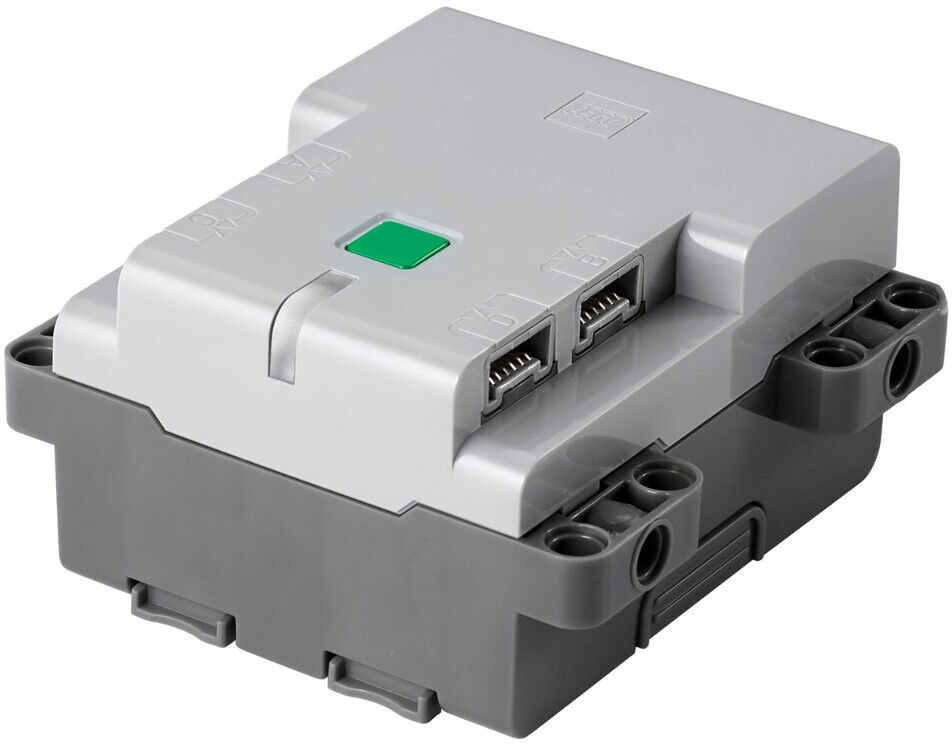
Ensure your hub is on. Its light should be pulsing white.
Press and hold your hub's power button until the light starts pulsing quickly.
Turn on your controller by pressing and holding the Xbox button until it lights up. Release the button.
Press and hold the pair button until the controller light starts blinking fast. Release the button.
After a few seconds, both the hub light and controller light should stop flashing.
Your hub and controller are now paired. They will automatically connect to each other next time they are turned on.


