
[Zoe Foxlin] Pick a workbench and I'll give you a crash course! 🧰
To get you started, we'll recreate a simple bot I built the other day. I call it... The Purrmenator. 😼
Next: Craft your chassis ↓
[Zoe Foxlin] It's robot crafting time! First, gather up your parts.
The minifigure is you. 🫵 Who else is going to ride your robot into battle!?
The controller is how you control your motors! 🎮🚘 When you press a button, the controller sends a signal to your hub.
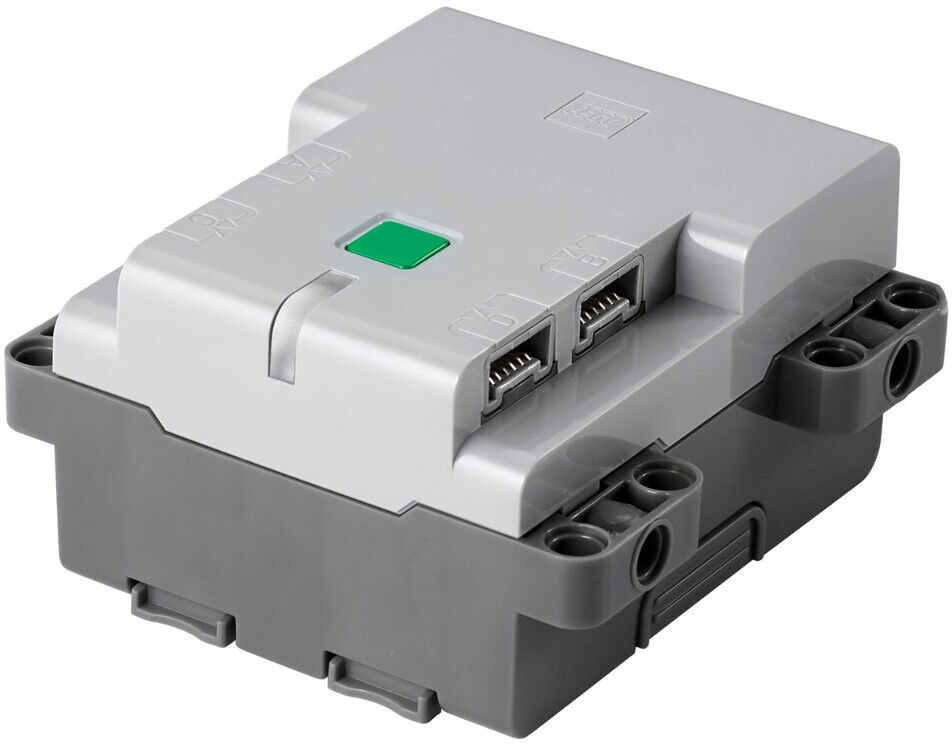
The hub is the brain of your build! 🧠 It receives signals from your controller. Then it uses those signals to power your motors.
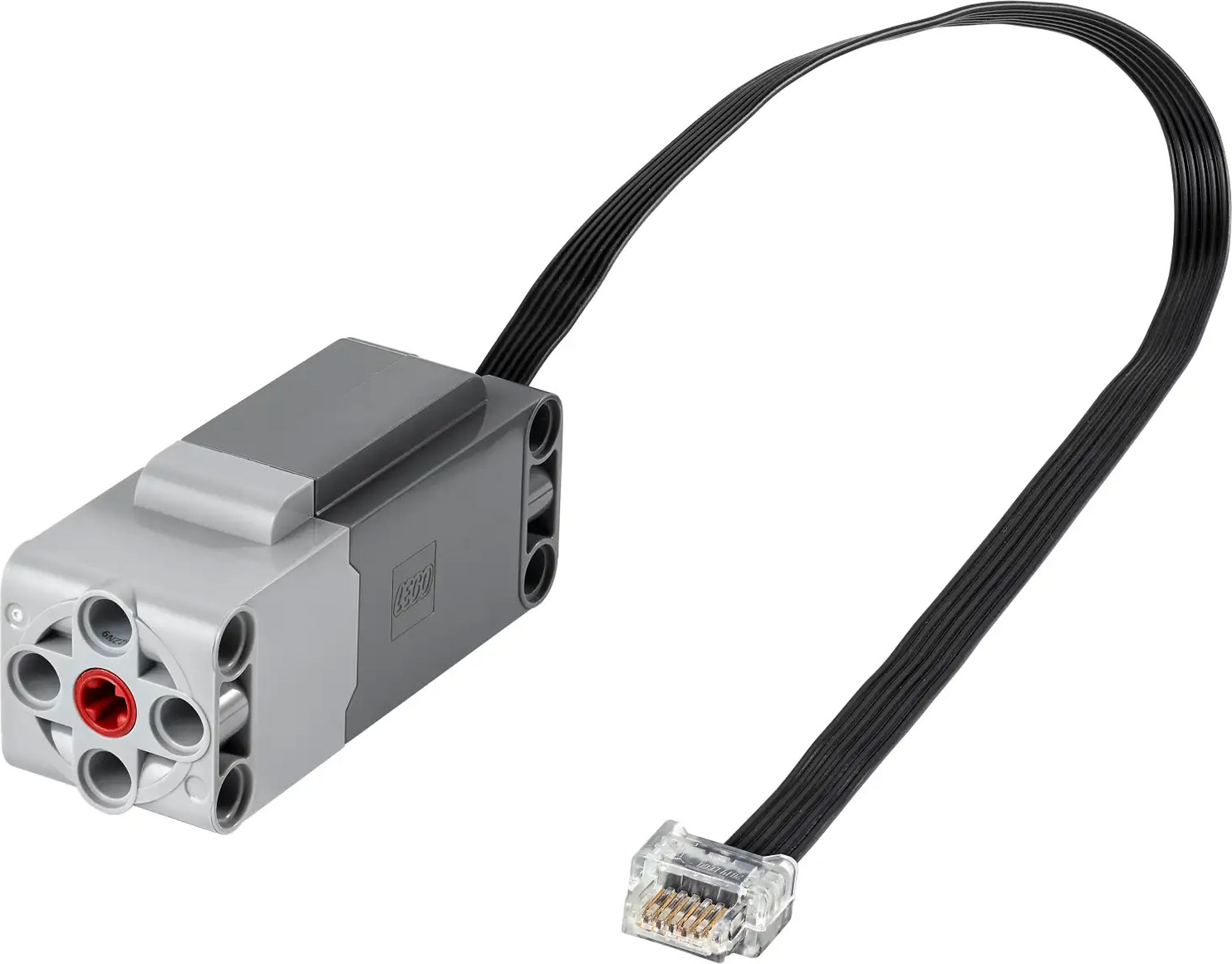
Unless you're building a sitting duckbot, you'll need some motors. 🦆 Motors make your creations move!
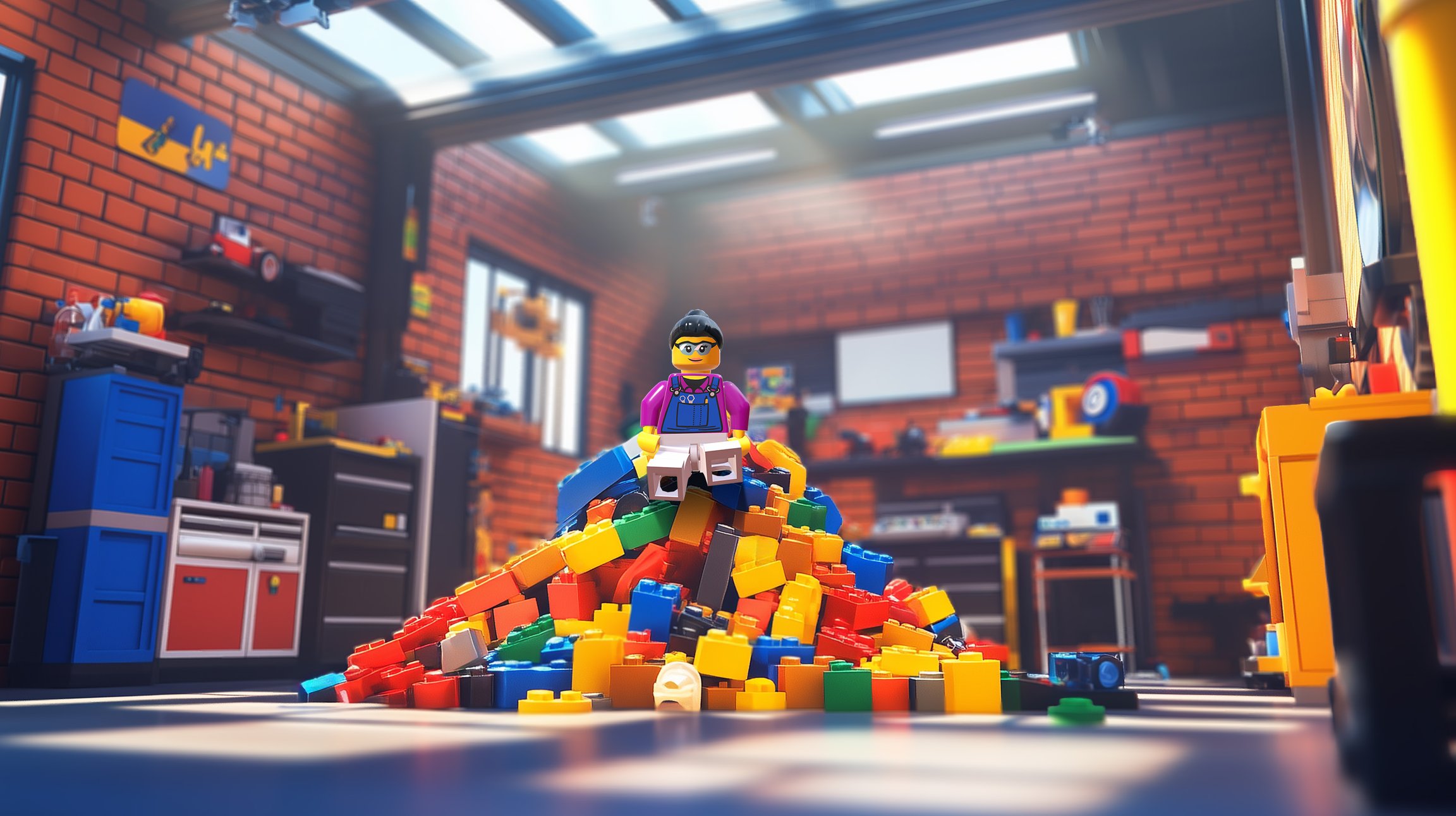
The random LEGO® pieces that tie it all together! In Stardust Springs, we call this scrap! After each battle, you can recycle your scrap into your next robot.
There are two types of LEGO® pieces. You'll use both!
Next: Craft your chassis ↓

LEGO® Bricks
Bricks, plates, and more. For creating decorative designs.
LEGO® Technic™
Arms, axles, and gears. For creating strong, moving designs.



[Zoe Foxlin] Now that your chassis is built, you're ready to decorate your robot! This is where your imagination can really shine.
Here is how I decorated The Purrmenator:
But this is *your* robot. Come up with your own decorations!
Design your robot after something meaningful to you. It could be your pet, an object from your favorite travel destination, or a character from a movie. If you can't think of anything, design it after the first thing you see when you look around the room!
Unlike the chassis which is made from Technic™ pieces, it's best to make decorations out of bricks so they can fall apart in battle. Remember, RoboBattles are all about putting on a recycling show. If your decorations explode in an awesome way, you'll earn more recycling points and get the win. Make your decorations wild!
To connect bricks to Technic™, use one of these methods:


[Zoe Foxlin] First we'll craft the chassis! Say it with me: chass-eeeeee! This is your robot's skeleton. It's a frame that includes your hub, motors, and wheels.
The chassis determines how your robot moves and battles. Remember how I said Technic™ pieces are good for crafting strong, moving designs? That makes them perfect for building a chassis.
A good chassis is all about experimentation. The more robots you craft, the better and faster you'll get at it!
Start by crafting the Purrmenator chassis:
Now plug in your motors:
Left motor → Port A
Right motor → Port B
Center motor → Port C
Now plug in your motors:
Left motor → Port A
Center motor → Port C


