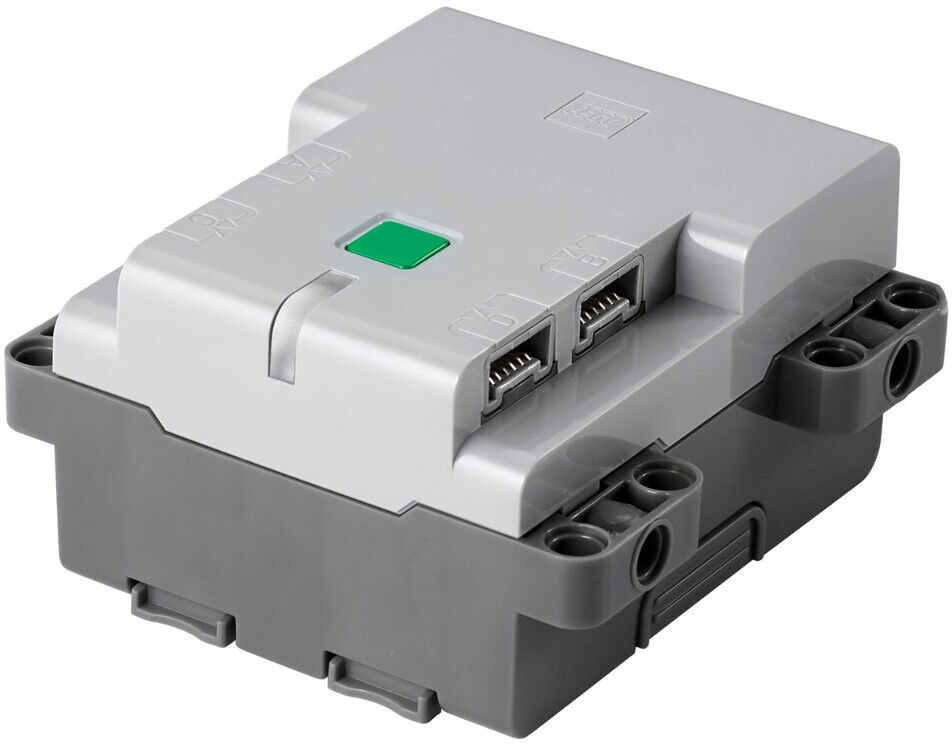
When finished, press the button again to turn your hub off.
Troubleshooting
The hub won't light up.
Make sure you've installed all six AA batteries, and that they are fully charged and facing the right direction.
Press and hold the large button until your hub lights up.
When finished, press the button to turn your hub off.
Troubleshooting
The hub won't light up.
Make sure the battery is fully charged.
2
Turn on your controller
Press and hold the Xbox button until it lights up. Release the button.
After a few seconds, the lights on your hub and controller will stop flashing and turn solid white. They are now connected.
Troubleshooting
The controller won't turn on.
Make sure it has fresh batteries and that they're facing the correct direction.
The controller won't connect.
Turn your hub and controller off. Now turn them both on again.
If they still won't connect, they might have lost their pairing. Follow the instructions in to re-pair them. Ensure all other hubs and controllers in your space are turned off.
The controller appears to connect, but after a moment it turns off and the hub starts flashing blue.
You have a bug in your custom control program which is causing the program to crash.
3
Steer your bot
Use the left joystick to drive. Use the triggers to control your weapon.