> For the complete documentation index, see [llms.txt](https://play.robobattles.com/llms.txt). Markdown versions of documentation pages are available by appending `.md` to page URLs; this page is available as [Markdown](https://play.robobattles.com/coding/custom-controls.md).
# Custom Controls
**\[Zoe Foxlin]** A program tells your hub and motors how to respond to button presses. You can create your own custom program to control your bot any way you like!
{% stepper %}
{% step %}
### Create a program file
1. Visit [code.robobattles.com](https://code.robobattles.com/) using Chrome or Edge.
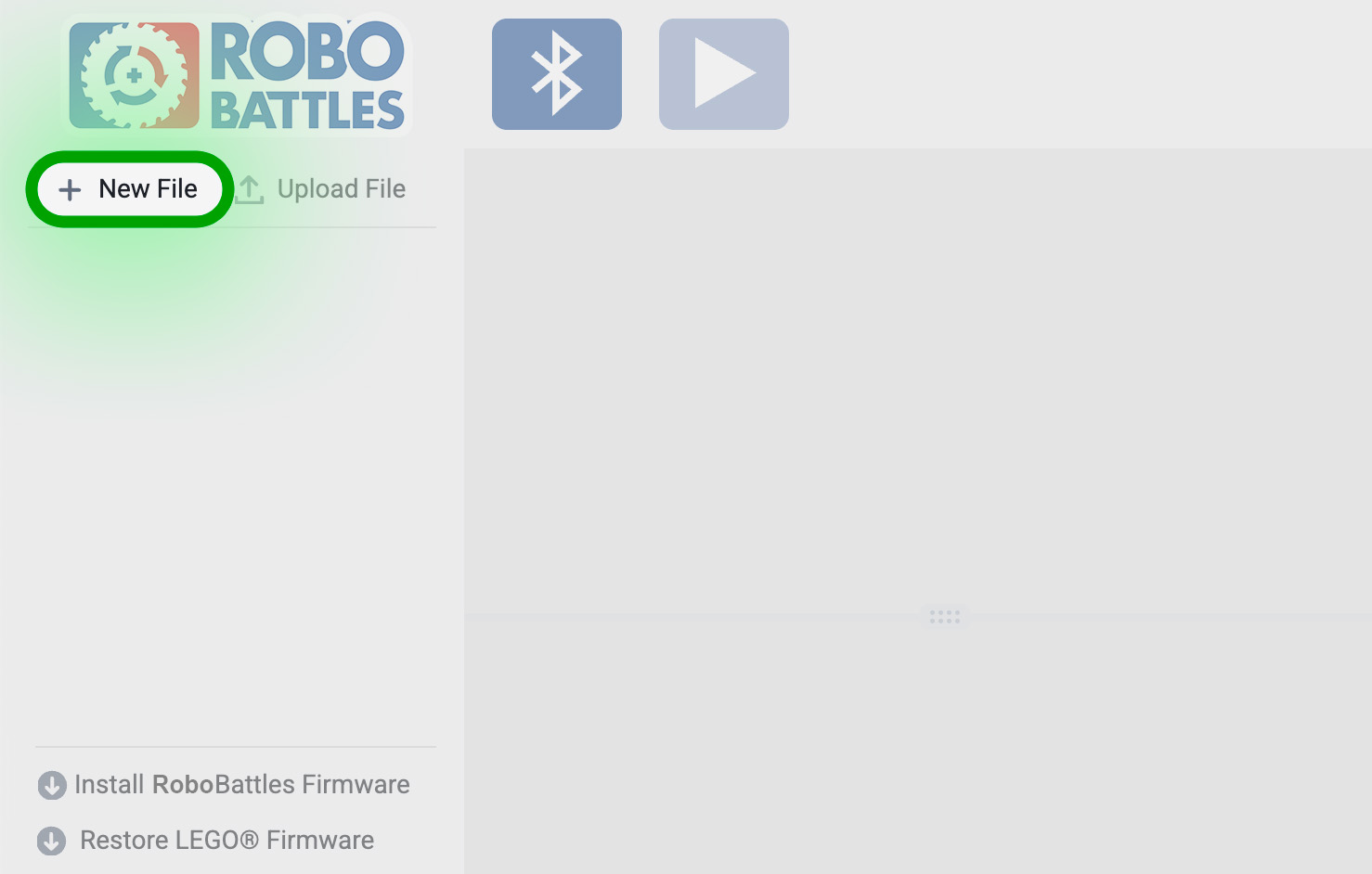
2. Click the ➕ **New File** button.
3. If this is your first time, copy my premade control program ↓.
Zoe's Universal Robot Controls
Hover over the code below, click the Copy button, and paste it into your empty file.
{% code fullWidth="false" %}
```python
# Set up controller
controller = XboxController()
# Set up motors
left = Motor(Port.A)
right = Motor(Port.B)
weapon = Motor(Port.C)
# Run program loop
while True:
# Get input
compX = controller.joystick_left()[0]
compY = controller.joystick_left()[1]
compWL = controller.triggers()[0]
compWR = controller.triggers()[1]
# Accept D-Pad for drive motor control to support adaptive controllers
if Button.LEFT in controller.buttons.pressed():
compX -= 100
if Button.RIGHT in controller.buttons.pressed():
compX += 100
if Button.UP in controller.buttons.pressed():
compY += 100
if Button.DOWN in controller.buttons.pressed():
compY += 100
# Accept buttons for weapon motor control to support adaptive controller
if Button.B in controller.buttons.pressed():
compWR += 100
if Button.A in controller.buttons.pressed():
compWL += 100
# Reduce left/right input for slower turning to make bot easier to control
compX /= 3
# Control weapon motors
if compWL - compWR != 0:
weapon.go(compWL - compWR)
else:
# Triggers are not pressed, so let weapon motor spin freely
weapon.stop()
# Control wheel motors
if compX != 0 or compY != 0:
# Joystick is pressed, so move wheel motors
left.go(-compY - compX)
right.go(compY - compX)
else:
# Joystick is not pressed, so let wheel motors spin freely
left.stop()
right.stop()
```
{% endcode %}
{% endstep %}
{% step %}
### Connect your hub to your computer
{% tabs %}
{% tab title="Technic™ Hub" %}
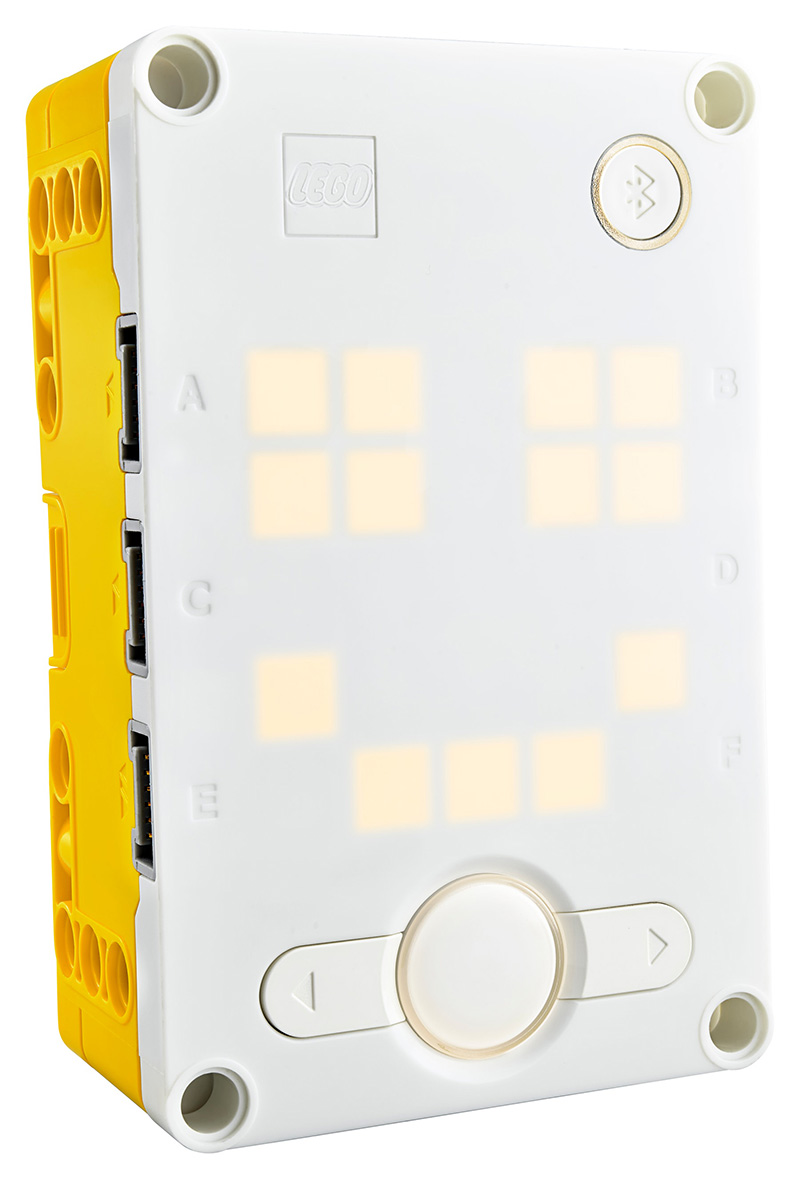
1. Turn on your hub.
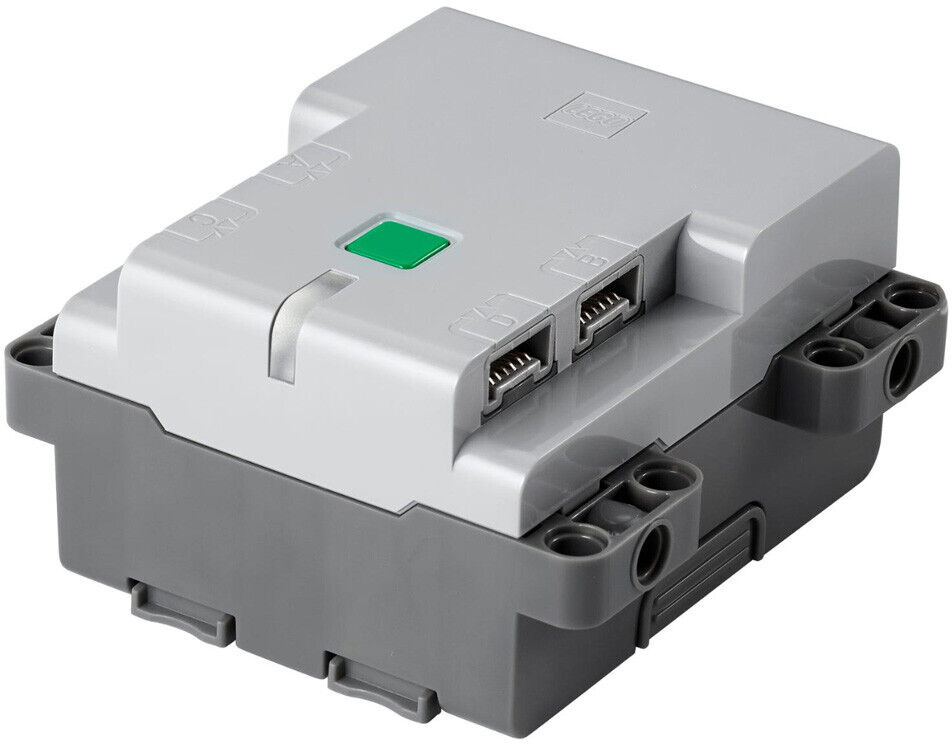
2. Double tap the green button. The light should start flashing blue.
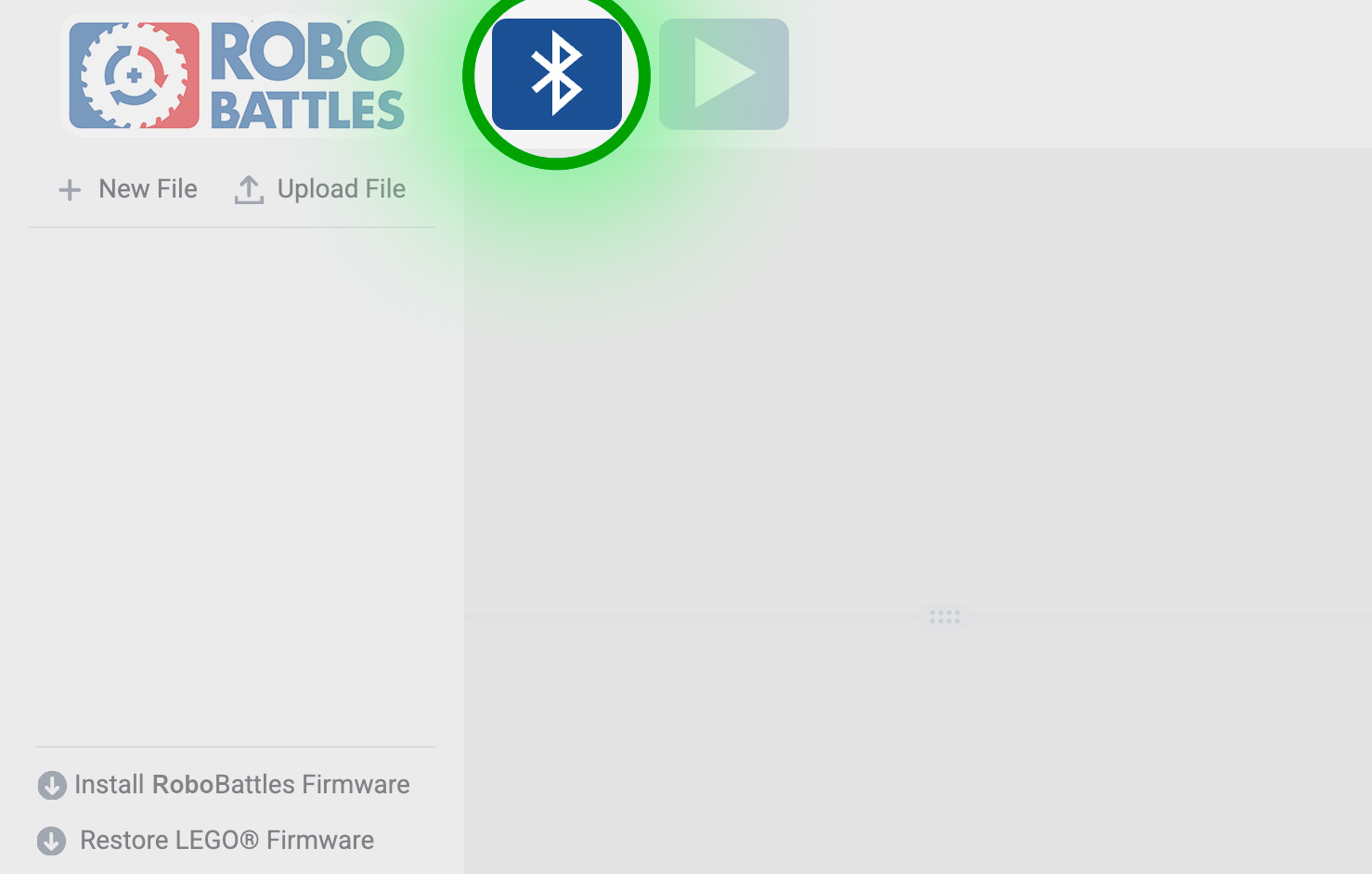
3. Click the **Bluetooth** button.
3. Click the name of your hub, then click **Pair***.*
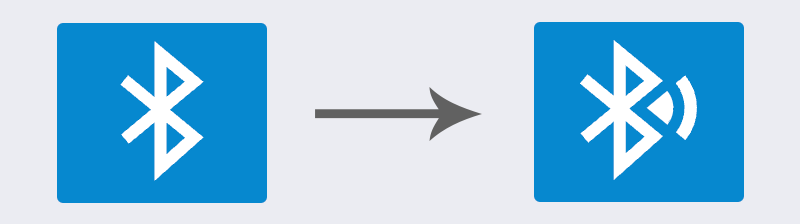
When the hub is connected, the light will stop flashing and turn solid blue. The Bluetooth button icon will also change. Troubleshooting
### The hub won't light up
Make sure you've installed **all 6** AA batteries. The battery holder pops out and stores 2 rows of 3 batteries each. Make sure your batteries are fully charged and facing the right directions.
### The hub isn't showing up in the list
* Make sure your hub is in Bluetooth mode. The light should be **flashing blue**.
* If the light is off, your hub is off. Press the green button to turn it on.
* If the light is slowly pulsing, your hub is running code. Double tap the green button until the light starts flashing instead.
* Make sure you've [installed the latest RoboBattles firmware](/tutorial/controls/first-time-setup.md).
If it's still not showing up, reinstall the RoboBattles firmware and start over.
{% endtab %}
{% tab title="SPIKE™ Prime Hub" %}
1. Turn on your hub.
2. Double tap the power button. The hub light should start flashing blue.
3. Click the **Bluetooth** button.
3. Click the name of your hub, then click **Pair***.*
When the hub is connected, the light will stop blinking and turn solid blue. The Bluetooth button icon will also change. Troubleshooting
### The hub won't turn on
Make sure the battery is charged.
### The hub isn't showing up in the list
* Make sure your hub is in Bluetooth mode. The light should be **flashing blue**.
* Make sure you've [installed the latest RoboBattles firmware](/tutorial/controls/first-time-setup.md).
If it's still not showing up, reinstall the RoboBattles firmware and start over.
{% endtab %}
{% endtabs %}
{% endstep %}
{% step %}
### Transfer the program to your hub
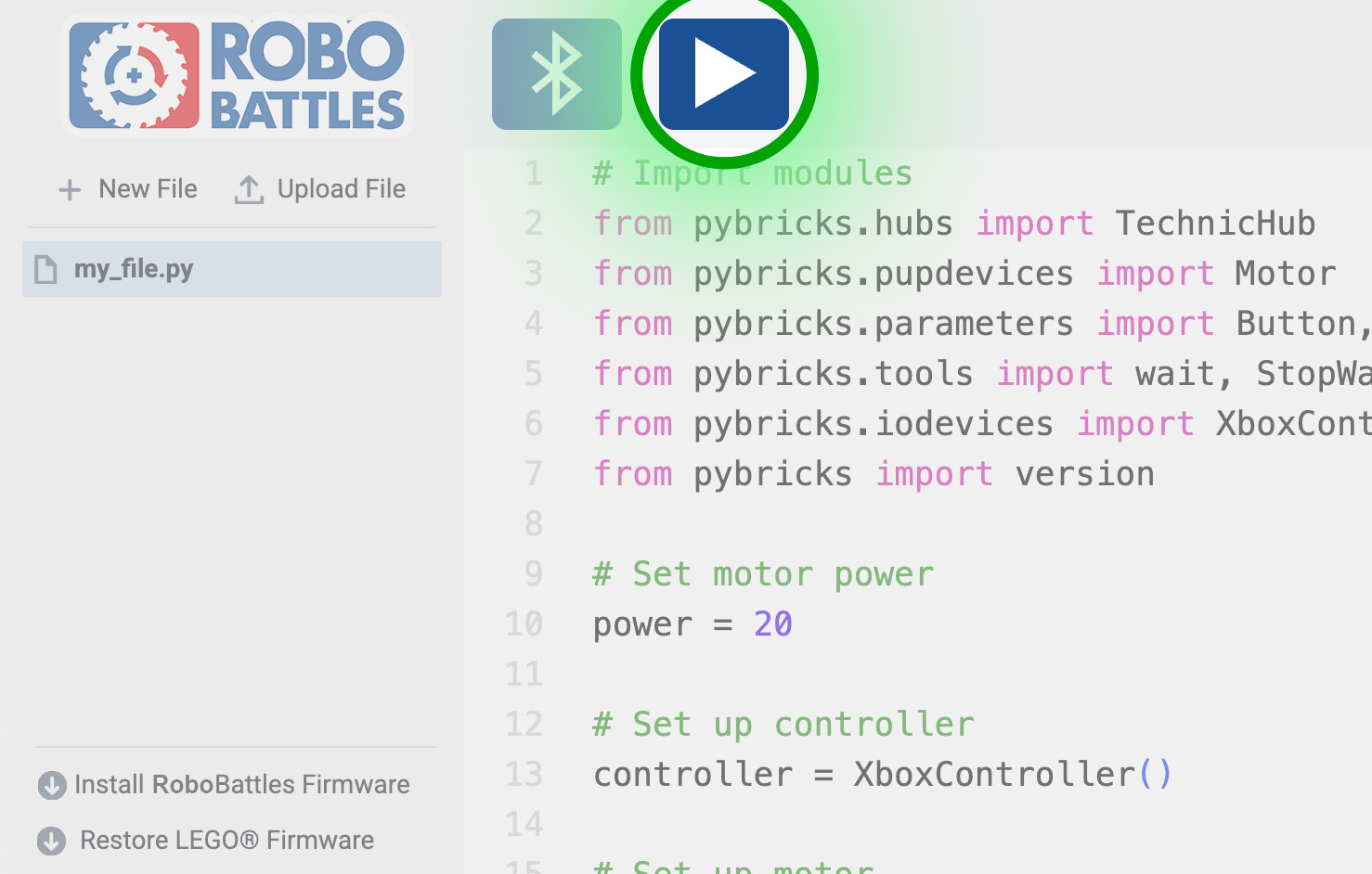
1. Press the *Play* button.
The play button will turn into a loading wheel to show progress. If it gets stuck: refresh the page, reconnect bluetooth, and try again.
You only need to transfer a program to your hub once. Your hub will remember it.
Troubleshooting
### The play button is grayed out
Make sure your hub is connected to your computer.
{% endstep %}
{% endstepper %}
---
# Agent Instructions
This documentation is published with GitBook. GitBook is the documentation platform designed so that both humans and AI agents can read, navigate, and reason over technical content effectively. Learn more at gitbook.com.
## Querying This Documentation
If you need additional information that is not directly available in this page, you can query the documentation dynamically by asking a question.
Perform an HTTP GET request on the current page URL with the `ask` query parameter, and the optional `goal` query parameter:
```
GET https://play.robobattles.com/coding/custom-controls.md?ask=&goal=
```
`ask` is the immediate question: it should be specific, self-contained, and written in natural language.
`goal` is optional and describes the broader end goal you are ultimately trying to accomplish on behalf of the user. GitBook uses it to tailor the answer towards what is most useful for that goal.
The response will contain a direct answer to the question and relevant excerpts and sources from the documentation.
Use this mechanism when the answer is not explicitly present in the current page, you need clarification or additional context, or you want to retrieve related documentation sections.